

Leaderboard
-

eliminator
Members+2Points1,429Posts -
Jeff Mack
Administrators1Points7,569Posts -
Pseudoty
Members+1Points7,482Posts


Popular Content
Showing content with the highest reputation on 01/04/2026 in all areas
-
I went the React Native route. I looked into the benefits of each and because of how this type of site works, it just made more sense and will allow me to get updates out easier. Just a note on the forum. I upgraded it to it's latest version 5.x but with that, some of the old 4.x features that I had built no longer work. I have reached out to the devs and just waiting to see when they may have time to update their apps. The focus is getting the site out over the next few weeks, along with the mobile apps, then I give the forum a bit more attention. I am using the forum as SSO (Single Sign On) and wanted to make sure I didn't release the site, then upgrade the forum and then everything blows up.1 point
-
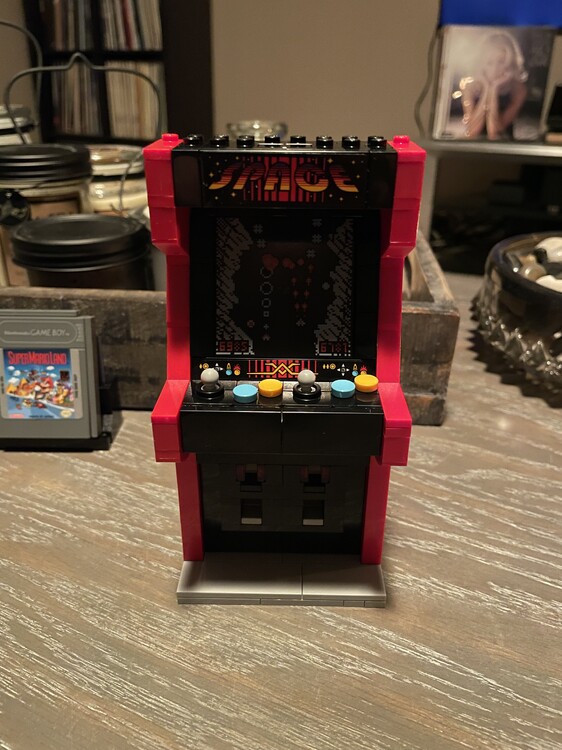
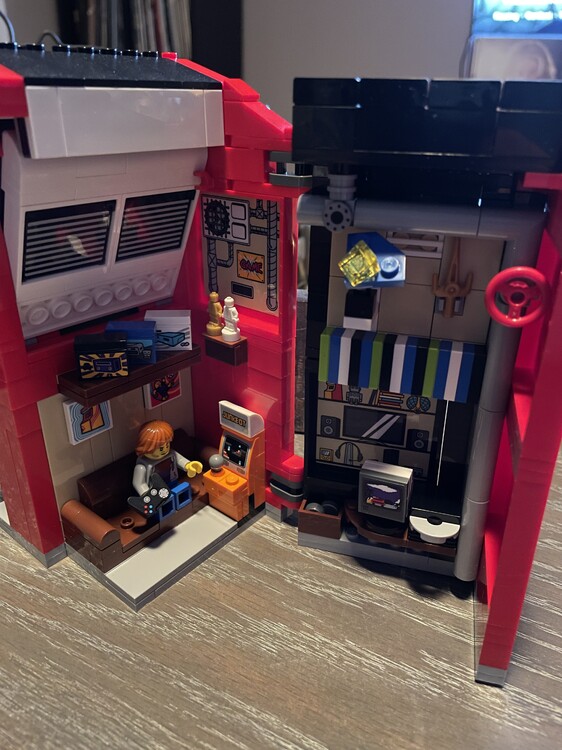
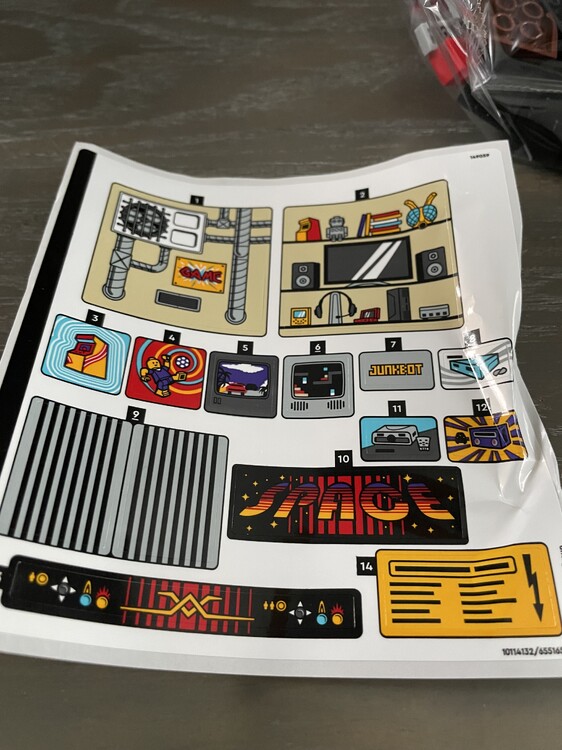
Arcade Machine, another great affordable set this one was only $34 after CB and came with the Ninjago City GWP. No brick separator and a damaged sticker sheet was not the best beginning but the build is great and lots of fun with some awesome prints as well. If it wasn’t for the Gameboy this would easily be the best set under $60. I hope they do a series of these and we get a Defender set next. Next up I was going to build the Enterprise but still have the D&D Castle set so will probably flip a coin tomorrow.
 1 point
 -
BLDP Harbormaster's Office. Went together very smooth; better than most BLDP sets. Will be a nice companion to the Ideas Old Fishing Store.
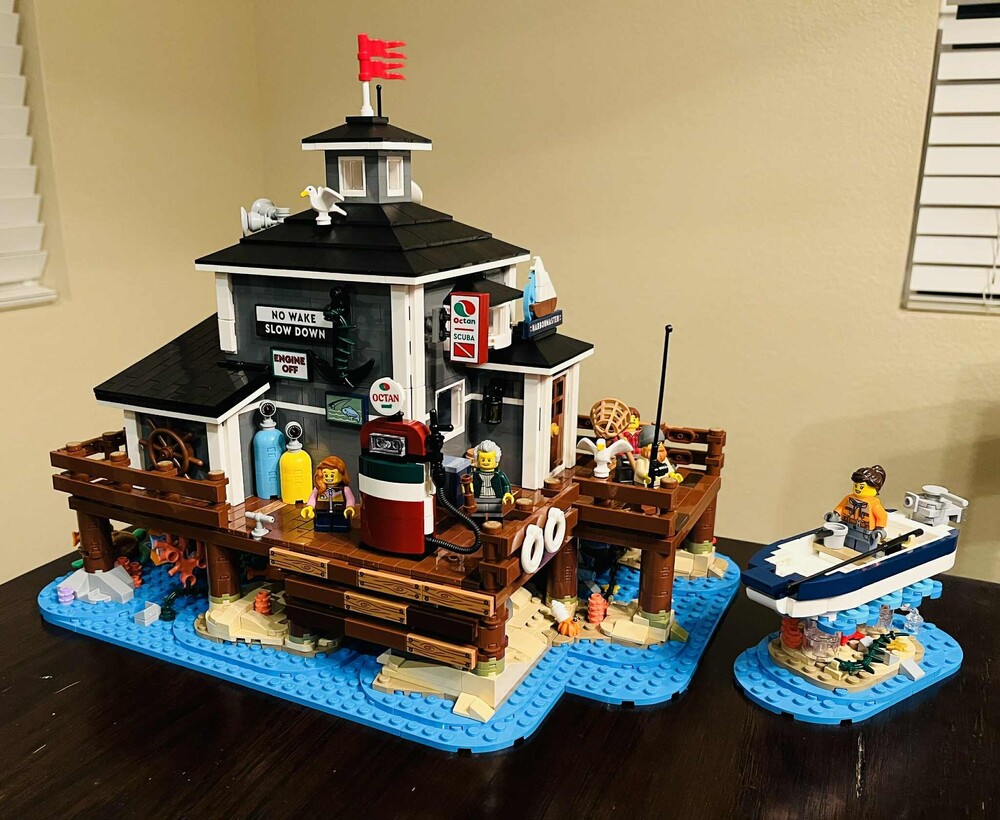
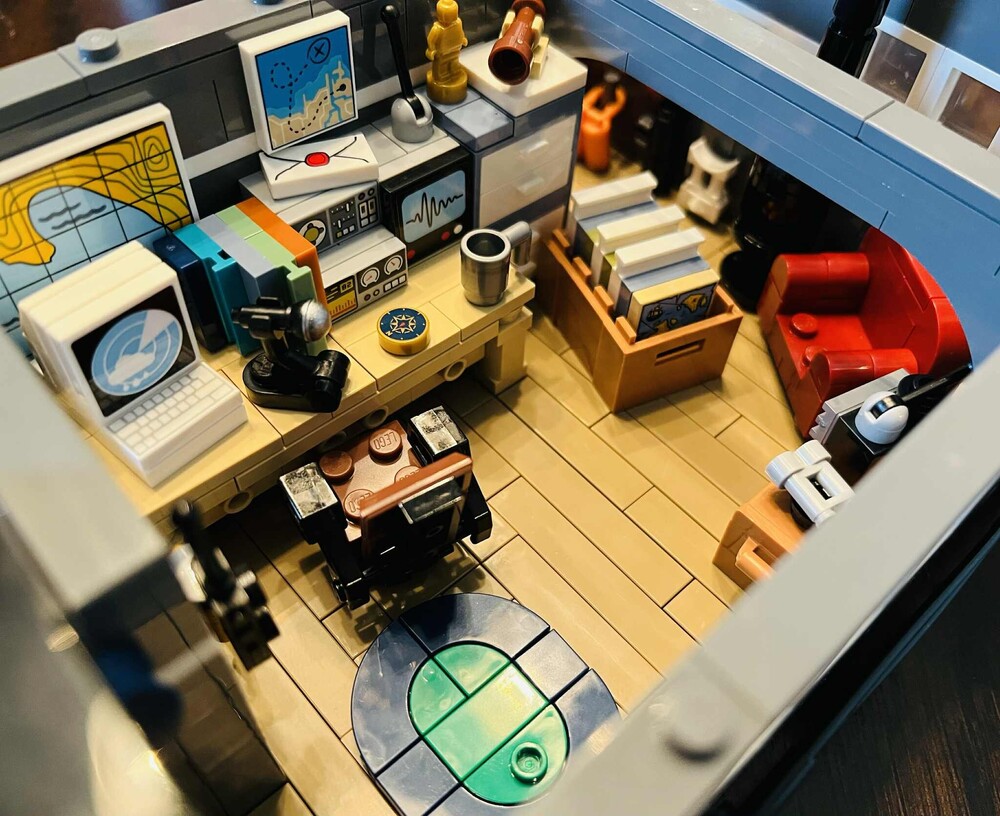 1 point
 -
Wrapped up this one today. Such a great set and perfect addition to my Pirates collection.
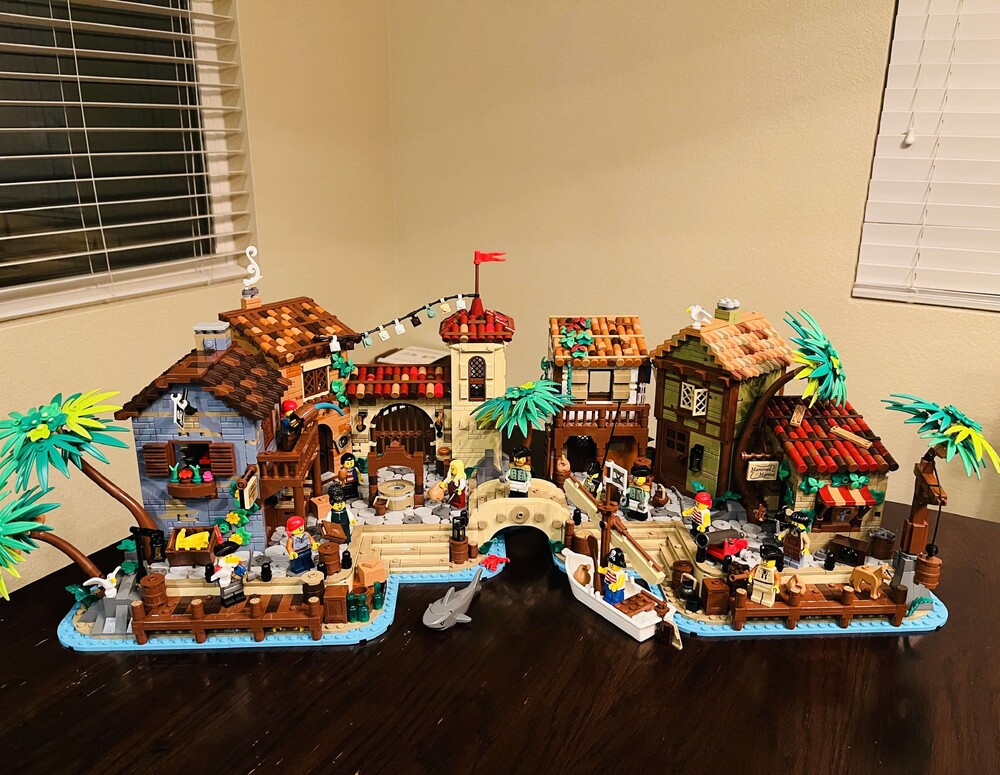 1 point


