

Leaderboard




Popular Content
Showing content with the highest reputation on 12/12/2025 in all areas
-
2 pointsSams Clubs has several sets near or above 40% off retail....some sets I havent seen on sale anywhere2 points
-
2 pointsGiftcards.com has Lego cards for 10% off using code NGWLEGO. If you go through Paypal, you can add a 5% back offer for a 1 time use. Rakuten is also offering 2% back. All stack...2 points
-
1 point
-
1 pointI had to add it through the app. Then when I went to pay via Paypal it showed on the Paypal screen.1 point
-
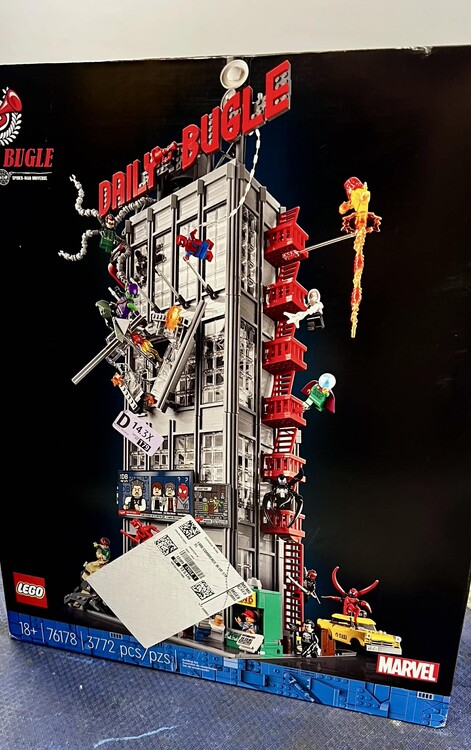
1 point1 point1 pointReceived 8 different shipments today. Enough to spark three comments. 1. LEGO is sending Bestseller PAB parts mixed with orders now. I've always had them come separately, no matter bestseller or standard. 2. For those wondering, I received a $200 standard PAB order and was NOT charged a customs fee in the US. 3. Finally, thanks Amazon! Keep up the good work. We love you!
 1 point0 pointsMan what a brutal policy change. There seems to be no easy way to get any of your money back. I went through and tried to adjust "sourcing cost" to MSRP and those were all rejected. Half of them I couldn't even submit documentation. I'm not really sure how to approach this because they are going to steal so much money from people its actually just criminal. Every case I submit is auto replied to by a bot.0 points
