

Leaderboard
-

eliminator
Members+4Points1,432Posts -
exciter1
Moderators3Points34,633Posts -
Billy Brick
Members+3Points607Posts -
BRIX23
Members+3Points559Posts


Popular Content
Showing content with the highest reputation on 11/11/2025 in all areas
-
3 points
-
3 points
-
3 pointsCouple deals on Costco, almost half off the SW logo after taking $10 off for the mech, good for a personal build.
 3 points
 -
Say what? Traffic is traffic. Overall 8/10. Love that they include the HotWheels car and the extra parts for the "upgrade". Nice build but they do get away with having very specific custom parts like the wheel wells and front/rear glass. Nice, but not in the "spirit" of how Lego does it. The printer parts are nice. The customization requires sticker use, so it's optional. The brick grip isn't great and it takes more force to build that Lego, albeit not as bad as old Mega. The polish on the tile bricks leaves much to be desired, it just looks sloppy and almost pre-owned. Sent from my Pixel 7 using Tapatalk1 point
-
A QFLL secret slack group???? QFLLpicker.com??? I can only imagine the misfits in a secret group of flippers...1 point
-
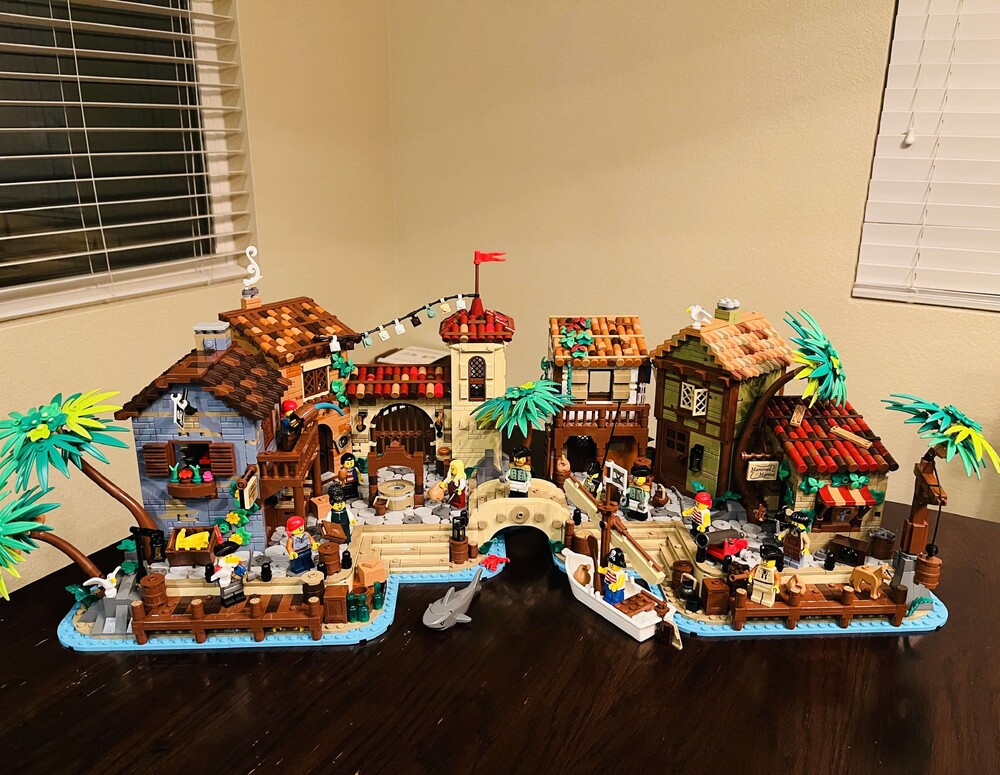
Wrapped up this one today. Such a great set and perfect addition to my Pirates collection.
 1 point
 -
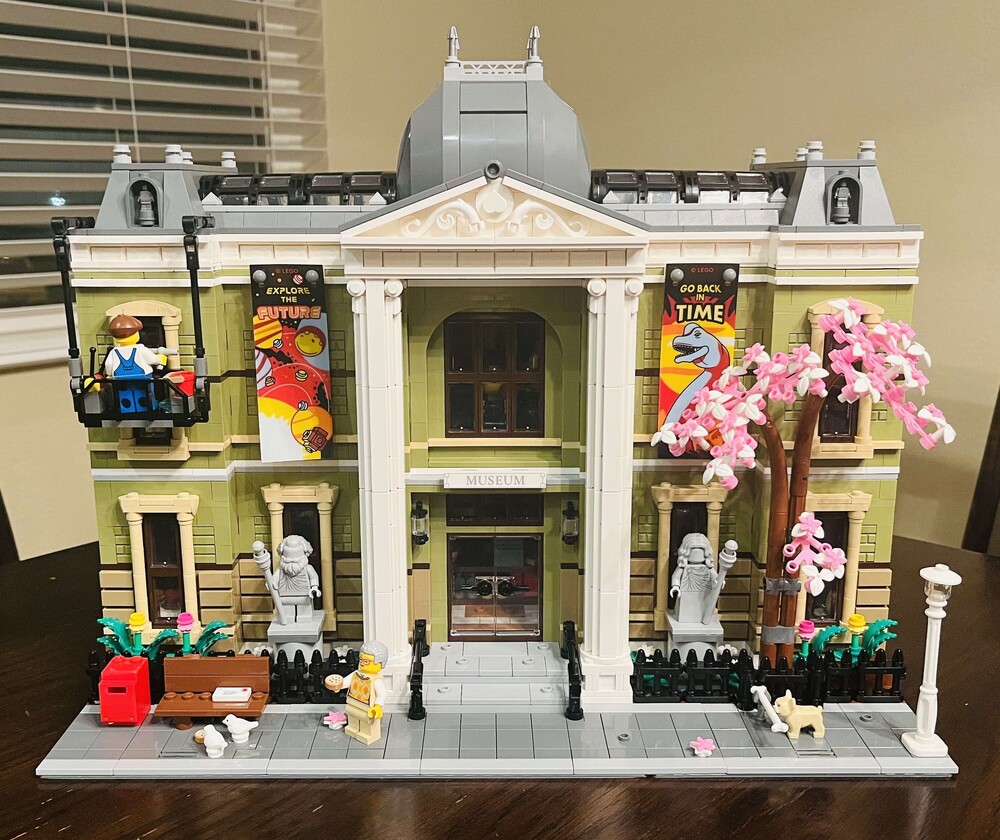
Long weekend project. Great set, despite just being a box.
 1 point
 -
1 point
-
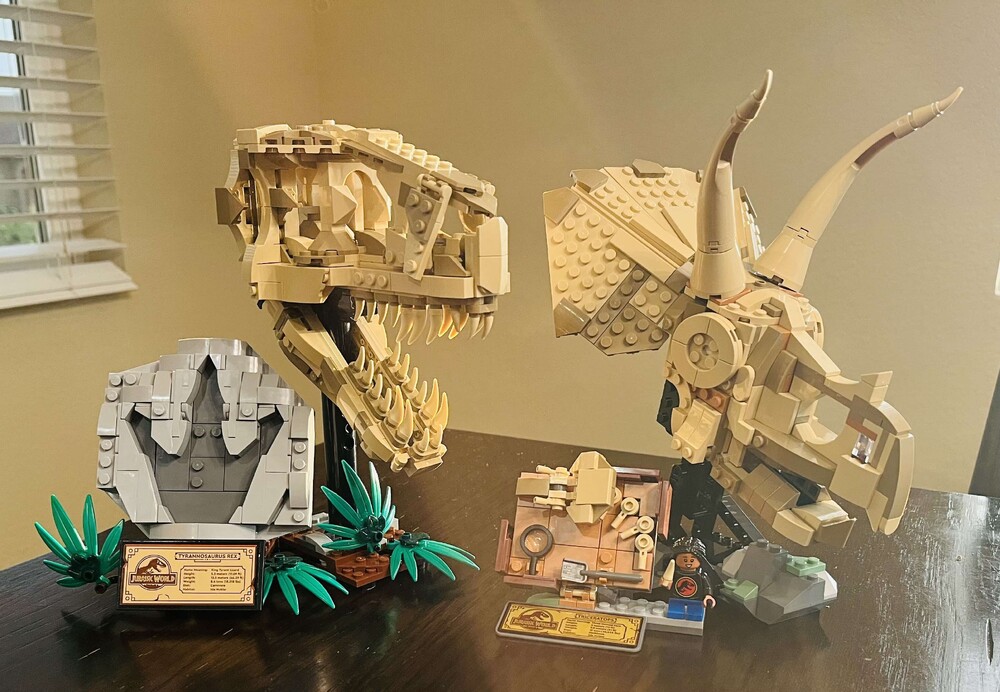
I knocked these builds out over the last two days...initially started building the Icons Lighthouse, but the motor was DOA and waiting for a replacement to be delivered by Lego. I hope they make more of these dino scull fossils.
 1 point
 -
1 point
-
It's like a zen garden where the zen activity is brushing the dust off it with a makeup brush.1 point
-


.thumb.jpg.2388d65c77b4486ba81fd9fb9fdd1a00.jpg)