

Leaderboard


Popular Content
Showing content with the highest reputation on 10/29/2025 in all areas
-
I just got my Transylvania set dropped off. The UPS driver was more excited than me. : "Happy Building!" "Thanks!" "That's a Bricklink order, right?" "Yep!" "Awesome, I love it! Have a nice day!" Unexpected reaction but checks out....2 points
-
 1 pointSince GWPs can't be listed on Amazon anymore, the resale appeal has gone way down. I used to buy a lot of sets just to get cool GWPs to sell and offset some of the cost, but not any more. It will be interesting to see just how big of an effect this has on the future of GWPs.1 point
 -
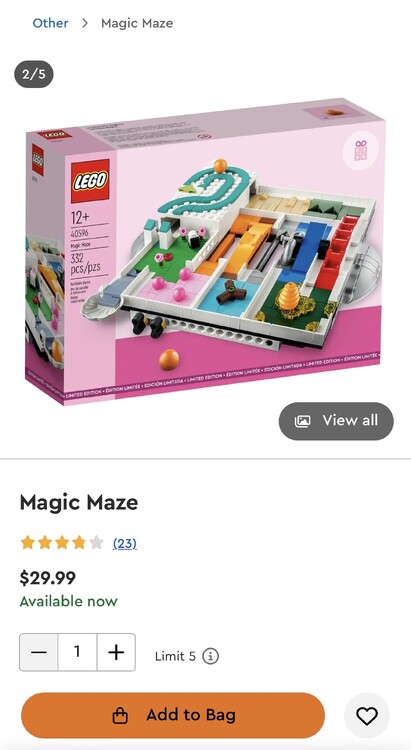
0 pointsOr will it end up like this? Wasn’t this the gwp from a couple years ago? https://www.lego.com/en-us/product/magic-maze-40596
 0 points
