

Leaderboard
-
Pseudoty
Members+3Points7,497Posts -

eliminator
Members+1Points1,432Posts -
Bricklectic
Members+1Points2,844Posts -
Darth_Raichu
Moderators1Points15,071Posts


Popular Content
Showing content with the highest reputation on 08/09/2025 in all areas
-
2 pointsLowest ranked Lego set ever? https://www.lego.com/en-us/product/republic-juggernaut-754132 points
-
1 point🤣 I reuse some of my shipping boxes from previous purchases. The heat gun makes quick work of getting old shipping labels off.1 point
-
1 point
-
1 point
-
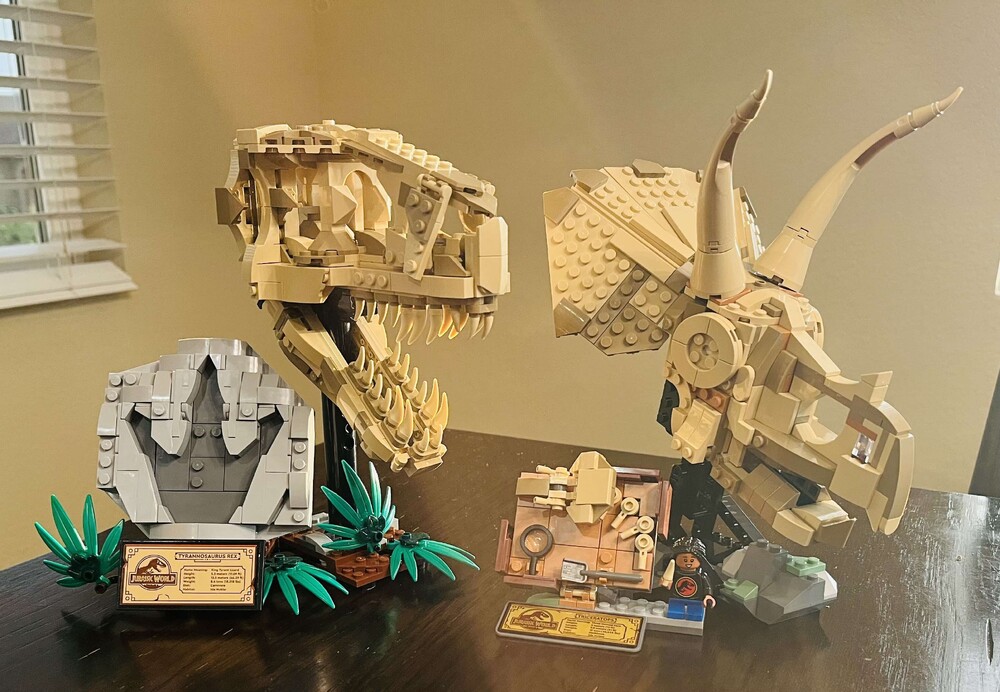
I knocked these builds out over the last two days...initially started building the Icons Lighthouse, but the motor was DOA and waiting for a replacement to be delivered by Lego. I hope they make more of these dino scull fossils.
 1 point


