

Leaderboard
-

Dr Jedi
Members+5Points407Posts -
Pseudoty
Members+3Points7,511Posts -
Jeff Mack
Administrators2Points7,575Posts -
TheOrcKing
Moderators2Points26,529Posts


Popular Content
Showing content with the highest reputation since 02/17/2026 in all areas
-
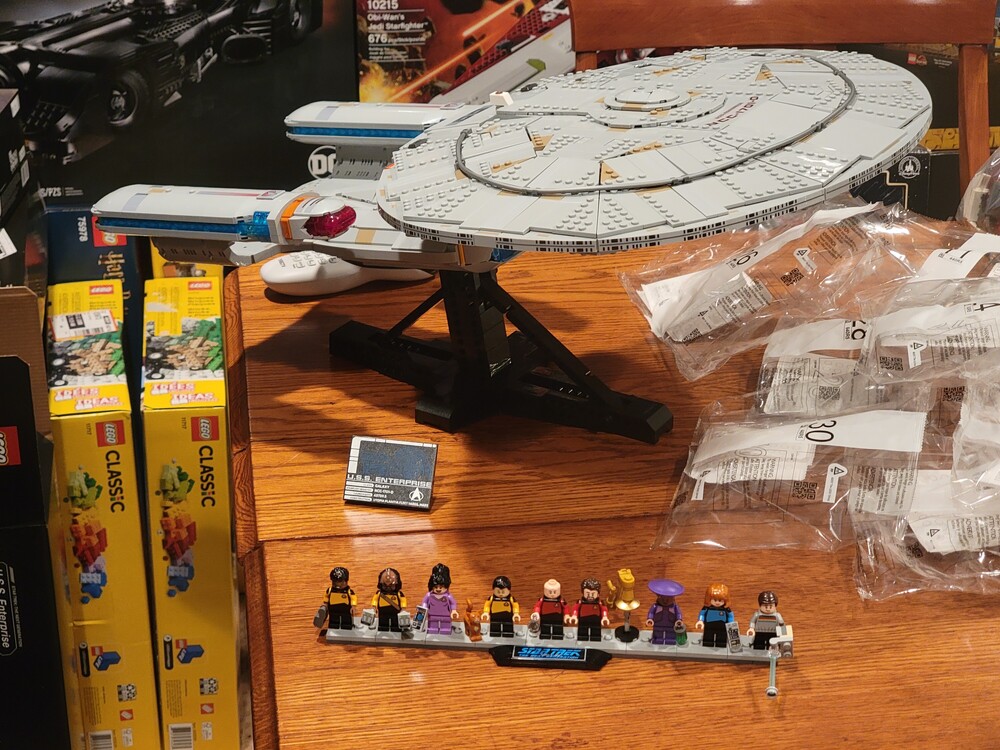
5 pointsFinished up the Enterprise-D a few weeks ago. It was a rather enjoyable build, and even the inherent repetition (due to the symmetry of the ship) wasn't particularly bothersome. The mechanism to remove the saucer section works well, and the minifigures are great. While the presence of stickers is always disappointing in a set like this, there are also several printed elements beyond the ballyhooed deflector array. (As I write this, I am reminded that I need to contact Lego for the corrected sticker sheet) Overall, this is an outstanding display piece and it gives me hope for the future of the line. Speaking of which, I can't imagine they'll do another Enterprise too soon, so I'm guessing the next ship will be Voyager...but I can't imagine a UCS Borg Cube is too far away either. Just one picture for now. Sorry for the mess...
 5 points
 -
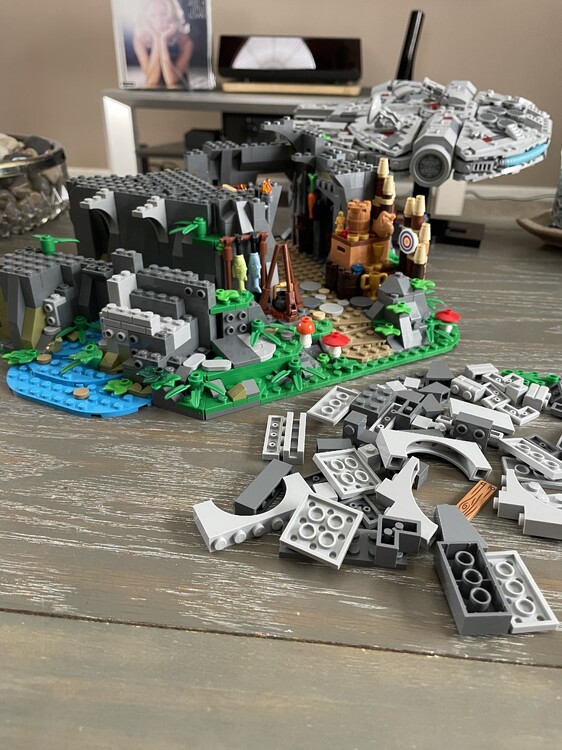
So Sushi, Alchemist and Fortuna all sold out even when bumped up to 40K/set and people are already complaining in the comments. I have only been ordering one set per round these last 3 times and I missed out on Thieves of Tortuga (If anyone has an extra I am a buyer) because I went with the Vampire Castle. Currently, I am building Outlaw Forest den and I am half way through and really want to stop. The PDF instructions are brutal and show that Lego did not review and correct errors let alone enhance them. The build style is awful placing one element on top of another across the entire set instead of building something to completion then adding it on. I would say I am done with the BLD program but definitely don’t want to miss out on Duskmark Keep next round. Hopefully Lego resumes adding the 3D instructions to the Builders App. So much Grey!
 2 points
 -
Staples.com Save 50% off when you buy 5+ shipping boxes Code: 56801 (And you thought I forgot about you 😜)2 points
-
2 pointsI have no self control and ordered each set this round. Usually its just 2 or 3. I blame Pirates.1 point1 pointI don't know if these are even legit LEGO parts, I would guess they are aftermarket parts.
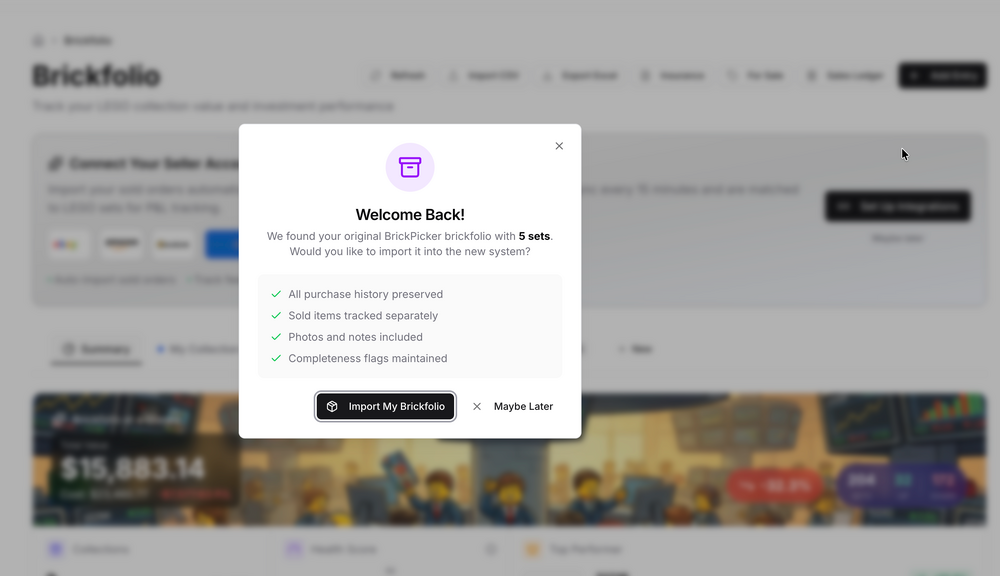
 1 point1 pointhttps://www.amazon.com/dp/B0BSRFSP3S $176.63 with 20% coupon on page. Coupon limited to 5 for a max discount of $220 LEGO Technic Yamaha MT-10 SP 421591 point1 pointHi Rossjackson01, your post is readable; I am able to see it and I am just someone who frequents the site. Most of us do this as a hobby, someone will get to your question if they know what you are referring to (# of sachets). Cheers!!1 pointI never got any of the BLD sets before. Felt compelled to pickup Alchemist’s Shop and Sushi restaurant today. They just look very nice and complementary to other existing sets.1 pointThat sushi restaurant is super detailed and the frigate looks amazing! all get a little love. I usually pick up others closer to sell out or sell window regardless if it was the plan.1 pointI'd use the old brickfolio if it was an option. Would still be relevant for me as well.1 pointWell I put this together today, if it is helpful to people great, if not, they can wipe it out and move on. There are already features for moving to other brickfolios, so you can create new brickfolios, move sets from the legacy one into new ones and then clean up whatever you need to make it useful for yourselves.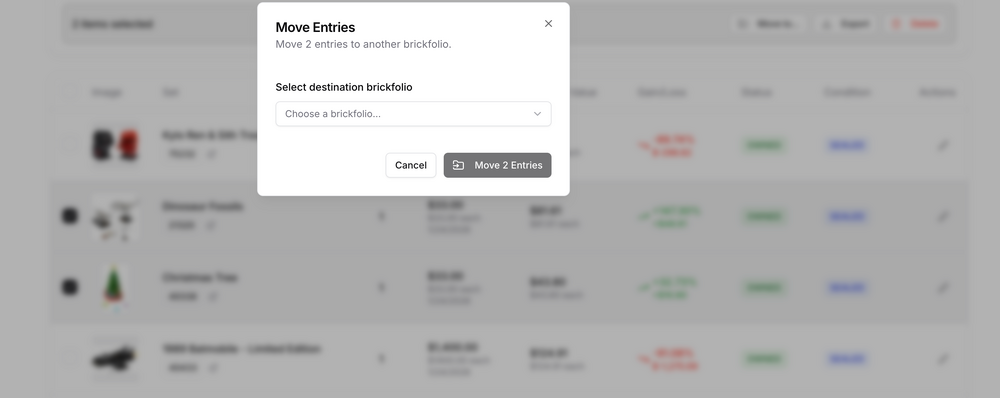
 1 point





