LEGO Reviews
Brickpicker LEGO Reviews
52 blog articles in this category
-
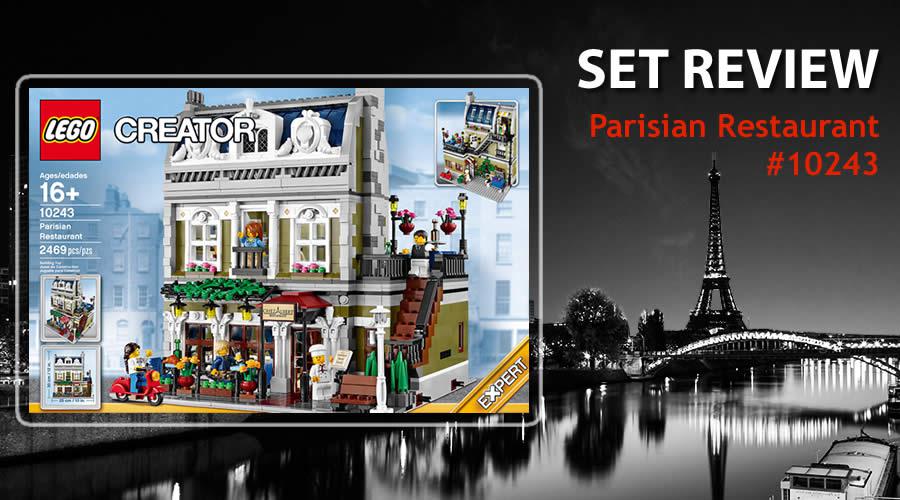
Preview of 10243-1 Parisian Restaurant Deciding to build the Parisian Restaurant was mainly due to the positive response it received in a Brickpicker forum topic. Many people chose the 10243-1 as their favourite Modular Building Series(MBS) set. I did not know a lot about it and what better way to build the set to see if those people had a point in picking this set. It was released in January 2014 and is still widely available at the moment of writing. The Parisian Restaurant is the ninth set
-
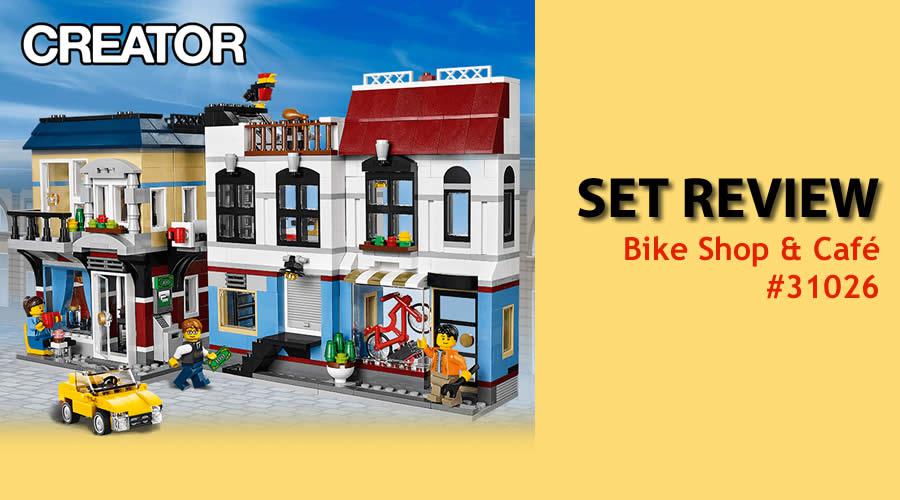
Preview of 31026-1 Bike Shop & Cafe It is with mixed feelings that I start the review about this set. The set is a fairly new set (May 2014) and it's a part of the Creator series. It would fit in perfectly with a City setup and there is a possibility to use the parts for a MOC. The MSRP is 79.99€ in Europe($89.99 in the US) and has 1023 pieces. The mixed feelings come from the fact that when I choose sets to review, I choose them on basis of display ability. At first sight, it does not l