Jump to content
View in the app

A better way to browse. Learn more.

BRICKPICKER

A full-screen app on your home screen with push notifications, badges and more.

To install this app on iOS and iPadOS
  1. Tap the Share icon in Safari
  2. Scroll the menu and tap Add to Home Screen.
  3. Tap Add in the top-right corner.
To install this app on Android
  1. Tap the 3-dot menu (⋮) in the top-right corner of the browser.
  2. Tap Add to Home screen or Install app.
  3. Confirm by tapping Install.

Featured Replies

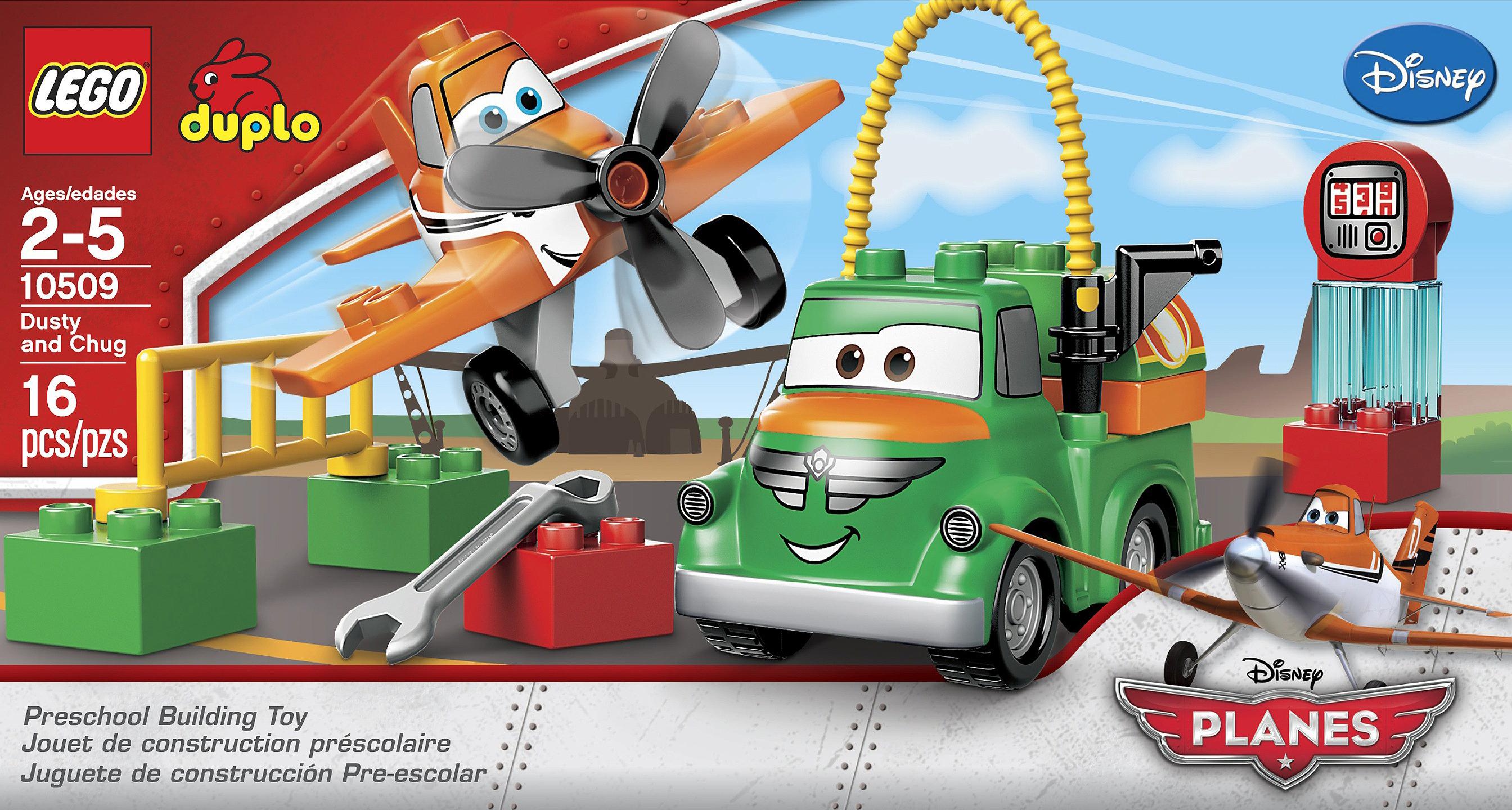
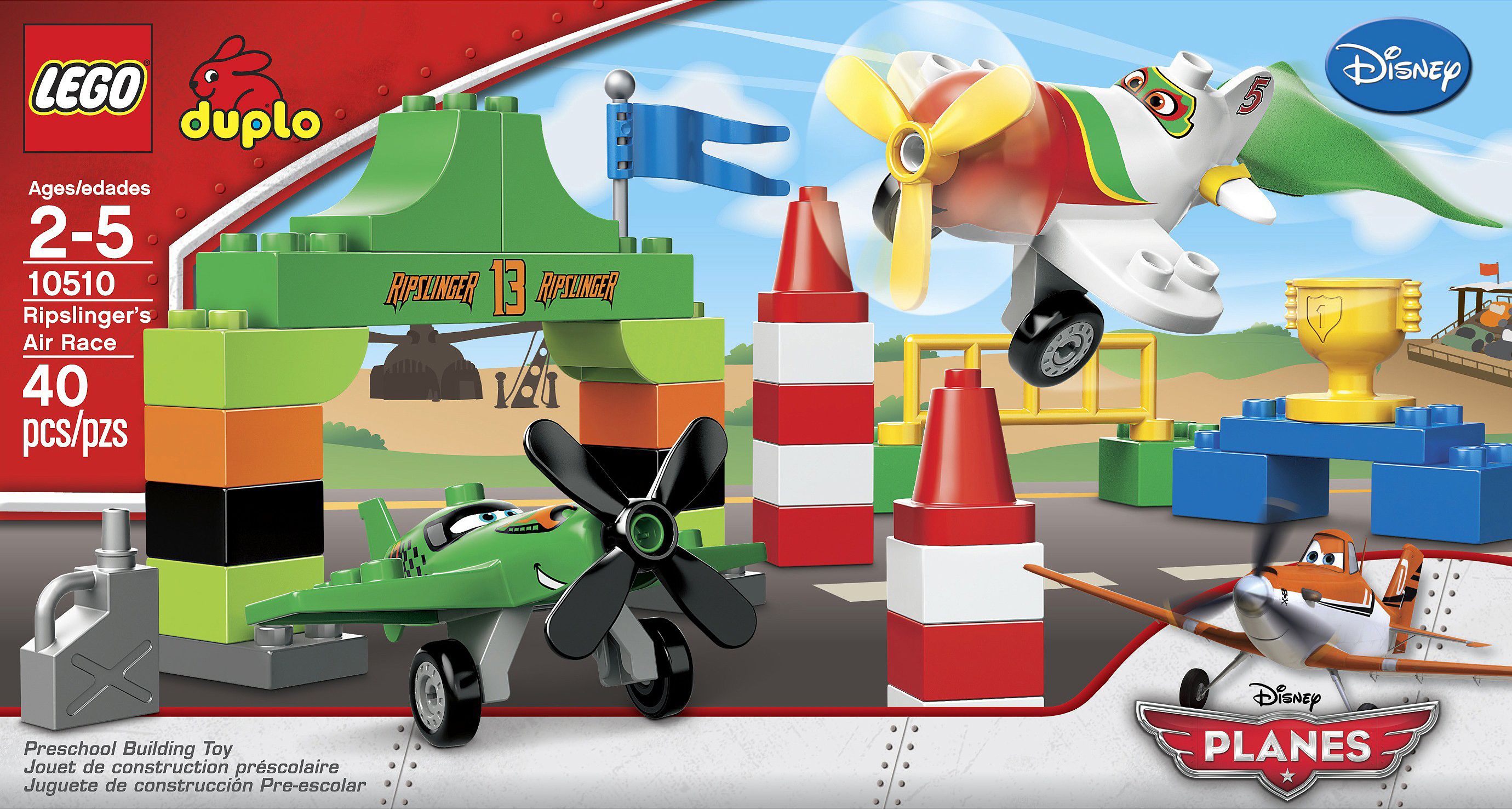
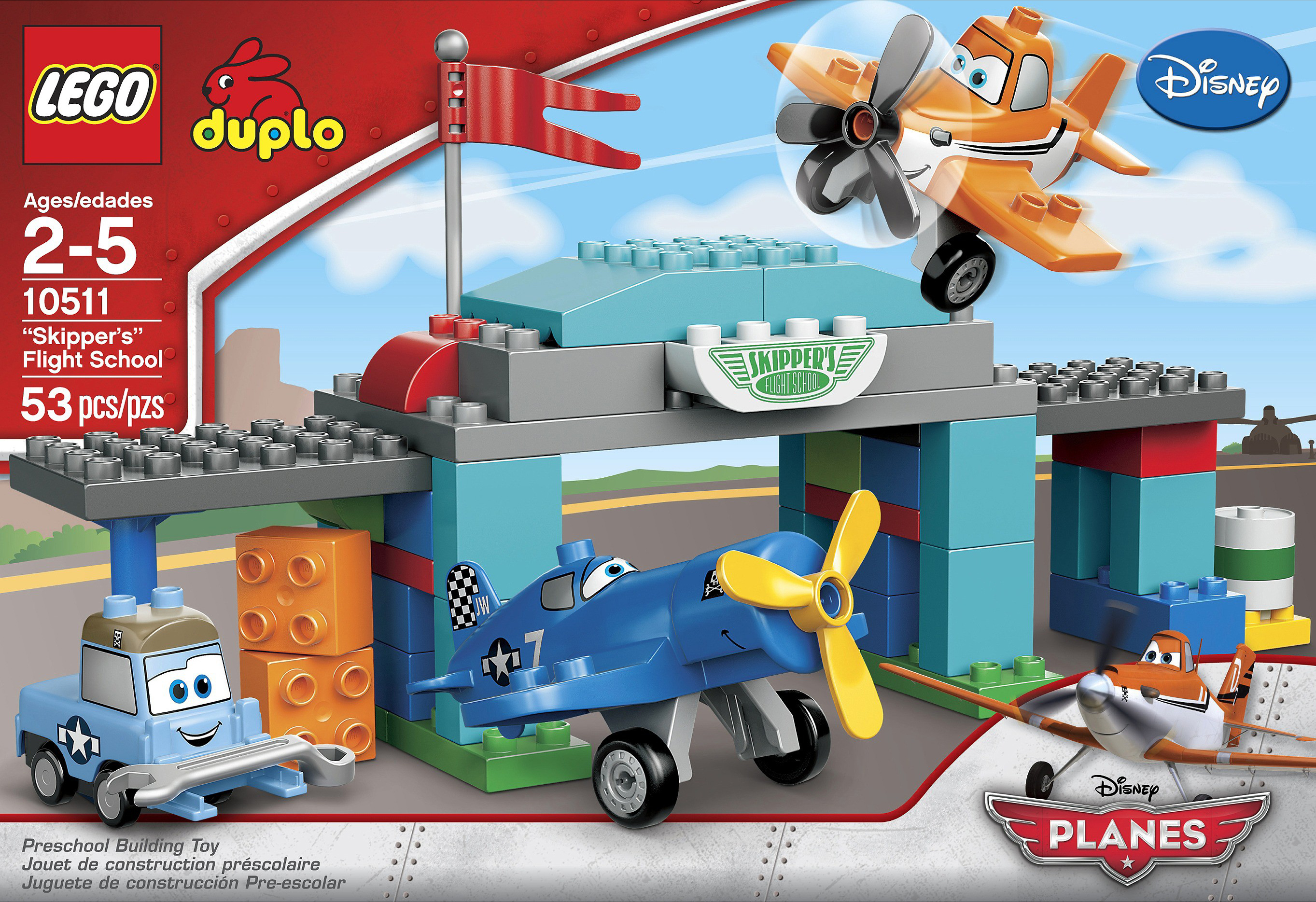
We know of the film coming out later this year (I think it will be this year) and heard of a rumor for sets based on the film. Well, it is true but perhaps not what you think. The sets based on Disney's Planes....are Duplo! I guess if you have toddlers this is good.
 

Dusty and Chug - $14.99
a_10509_box_front.jpg

Ripslinger's Air Race - $24.99
a_10510_box_front.jpg

Skipper's Flight School - $39.99
a_10511_box_front.jpeg

My 3 yr old is gonna go apesh*t over these. Duplo AND smiling airplanes?!? Looks like I won't be building any new AFOL sets that month...

My son is going to love them. I actually saw all these photos in the back of the instruction booklet for the new Jake & the Neverland Pirates set that we bought at the lego store. Someone I didn't even know they were releasing J&NP sets. The original line of Duplo Cars (from the first movie not the second) does really well EOL. I think the universal appeal of airplanes will make this strong sets. However I think other than the airplanes I think the sets are rather boring.

  • 2 weeks later...

Interesting. While licensed sets are generally influenced by the licensing material, the Cars movie was extremely successful yet the sets are some of the worst investments in recent memory. If I was younger, I would be dying to swoosh them.

Join the conversation

You can post now and register later. If you have an account, sign in now to post with your account.
Note: Your post will require moderator approval before it will be visible.

Guest
Reply to this topic...

Recently Browsing 0

  • No registered users viewing this page.

Configure browser push notifications

Chrome (Android)
  1. Tap the lock icon next to the address bar.
  2. Tap Permissions → Notifications.
  3. Adjust your preference.
Chrome (Desktop)
  1. Click the padlock icon in the address bar.
  2. Select Site settings.
  3. Find Notifications and adjust your preference.