Jump to content
View in the app

A better way to browse. Learn more.

BRICKPICKER

A full-screen app on your home screen with push notifications, badges and more.

To install this app on iOS and iPadOS
  1. Tap the Share icon in Safari
  2. Scroll the menu and tap Add to Home Screen.
  3. Tap Add in the top-right corner.
To install this app on Android
  1. Tap the 3-dot menu (⋮) in the top-right corner of the browser.
  2. Tap Add to Home screen or Install app.
  3. Confirm by tapping Install.

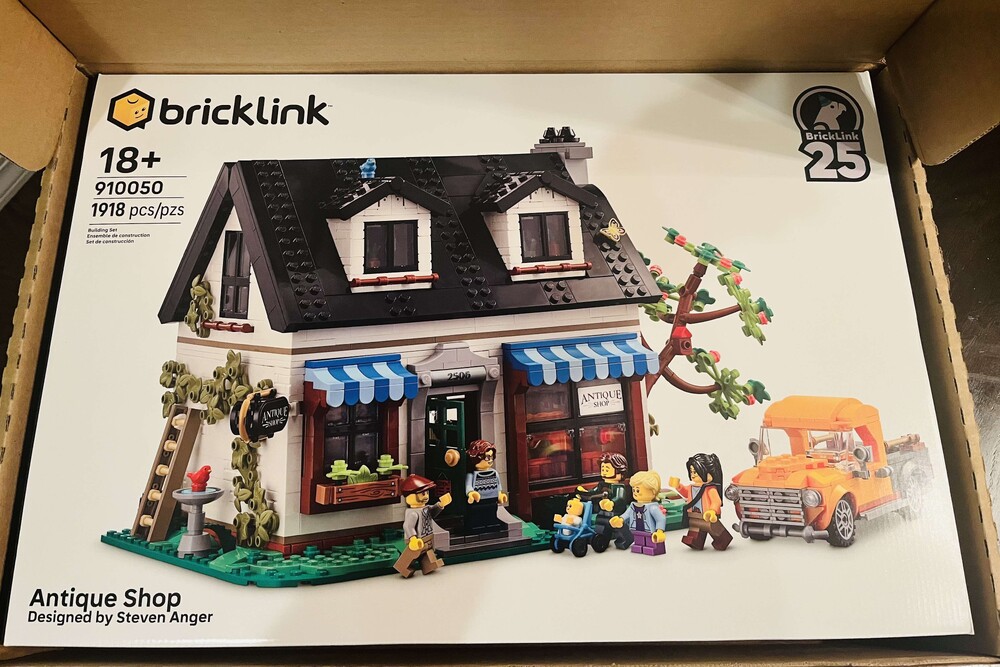
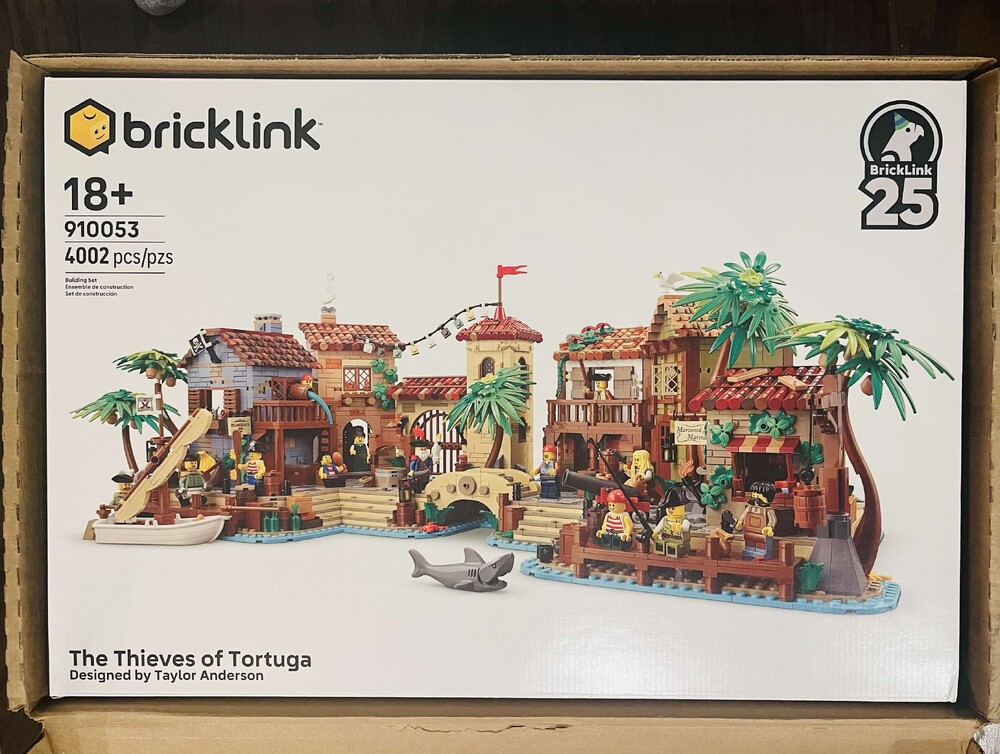
Bricklink's AFOL Designer Program 2024

Featured Replies

1 minute ago, Pseudoty said:

Interesting, yes there was a counter, funded to sold out the last few times. So as a reseller you want to buy the one that reaches 3,002.

Don't know if CB site will work, you would have to add the item to your cart from BL, close out Lego then relaunch from CB site, and order is not processed until July. 

Forgot about "order is not processed until July". I've had some fellow AFOL's say you get the current % back when it ships--not counting on that though. 

Do we get points and the GWP?

  • Replies 1.2k
  • Views 309.4k
  • Created
  • Last Reply

Top Posters In This Topic

Most Popular Posts

  • https://www.lego.com/cart?product=910033 Old Train Shed https://www.lego.com/cart?product=910029 Mountain Fortress https://www.lego.com/cart?product=910032 Parisian Street https://www.lego.com/cart?pr

  • iahawks550
    iahawks550

    "if this is crowfunding it has to be made available, otherwise it should have been called a lottery" has no idea how a lottery works, apparently. "Scalpers are the worst kind of humans we ha

  • MotorCityMuscle
    MotorCityMuscle

    these should be the links, fellas:  The Art of Chocolate: https://www.lego.com/cart?product=910039 Harbormaster's Office: https://www.lego.com/cart?product=910040 Camping Adventure: https://www

Posted Images

2 hours ago, Captain_Obvious said:

If we check out on LEGO.com, do you think we can use a CB extension to get an additional % off?

Also, are these usually classified as Exclusive/HTF or just a regular tag? That affects the % off of most extensions.

Yeah, I totally got Honey credit for them. Totally unexpected.

I dont recall this during the last round . . . stuff (stock) just sort of stuck around for a 'few' hours.

  • Popular Post

https://www.lego.com/cart?product=910033 Old Train Shed https://www.lego.com/cart?product=910029 Mountain Fortress https://www.lego.com/cart?product=910032 Parisian Street https://www.lego.com/cart?product=910031 General Store https://www.lego.com/cart?product=910030 Snack Shack


Sorry for formatting - use these links to get your orders in.

Edited by Greanie

5 minutes ago, Greanie said:

https://www.lego.com/cart?product=910033 Old Train Shed https://www.lego.com/cart?product=910029 Mountain Fortress https://www.lego.com/cart?product=910032 Parisian Street https://www.lego.com/cart?product=910031 General Store https://www.lego.com/cart?product=910030 Snack Shack


Sorry for formatting - use these links to get your orders in.

Thanks! 

I wonder if this will effect the BL inventory tracker?

5% CB RetailMeNot

And now we find out if lego.com can cap orders at 30,000 units.  This has series 1 castle debacle written all over it....

11 minutes ago, Greanie said:

https://www.lego.com/cart?product=910033 Old Train Shed https://www.lego.com/cart?product=910029 Mountain Fortress https://www.lego.com/cart?product=910032 Parisian Street https://www.lego.com/cart?product=910031 General Store https://www.lego.com/cart?product=910030 Snack Shack


Sorry for formatting - use these links to get your orders in.

Thank you so much! Let's make @Greanie Winner of the Day on BP!

Side note. Got the points and 9% from Capital--hope the CB sticks--and it's not labeled as an Exclusive nor HTF

image.thumb.png.5c38bc83ce4809321b538cd0d533d3e5.png

Snag_5065a27.thumb.png.ab9bbf610c047ef3849959b524609b71.png

Edited by Captain_Obvious

Join the conversation

You can post now and register later. If you have an account, sign in now to post with your account.
Note: Your post will require moderator approval before it will be visible.

Guest
Reply to this topic...

Recently Browsing 0

  • No registered users viewing this page.

Configure browser push notifications

Chrome (Android)
  1. Tap the lock icon next to the address bar.
  2. Tap Permissions → Notifications.
  3. Adjust your preference.
Chrome (Desktop)
  1. Click the padlock icon in the address bar.
  2. Select Site settings.
  3. Find Notifications and adjust your preference.