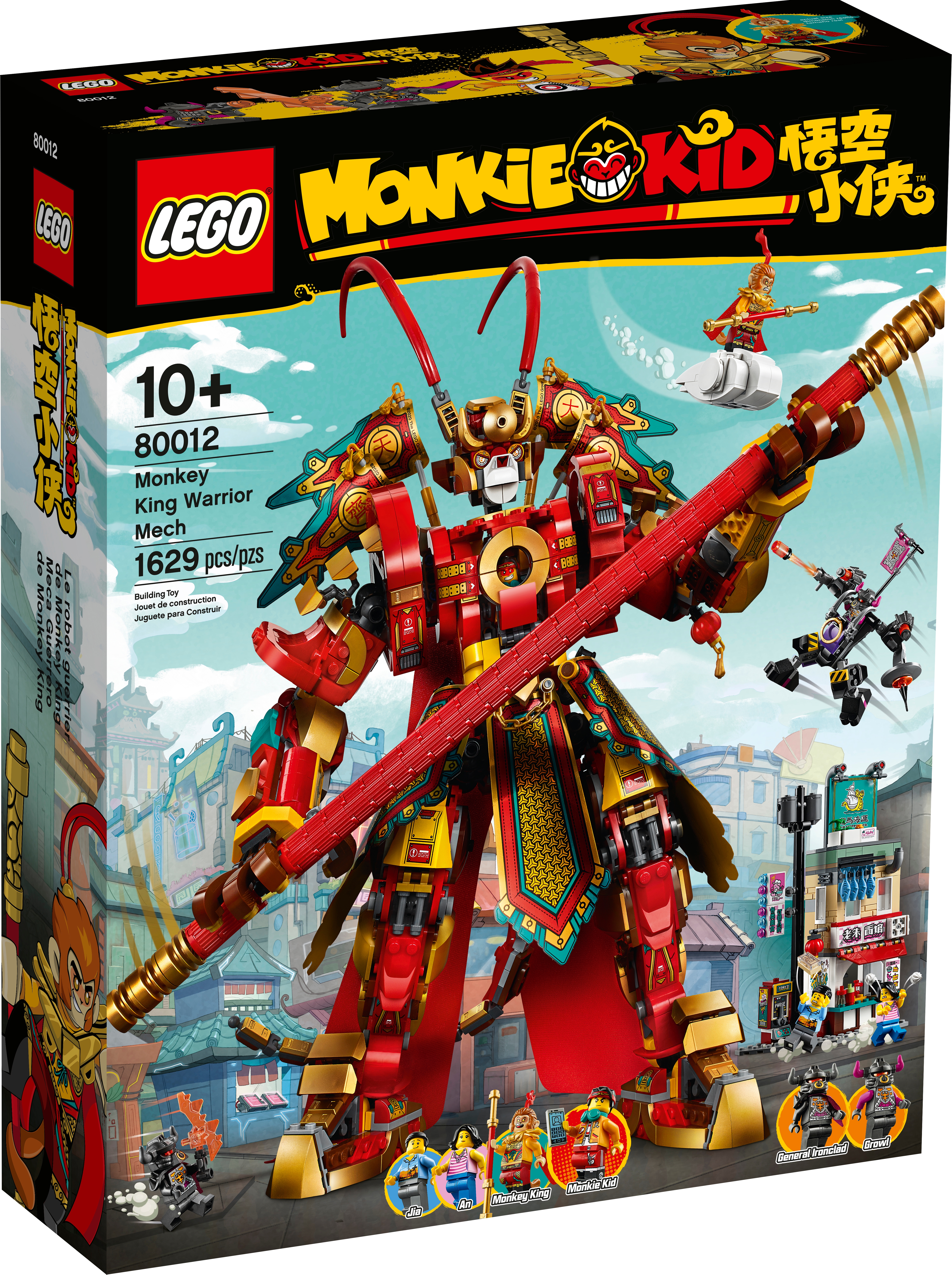
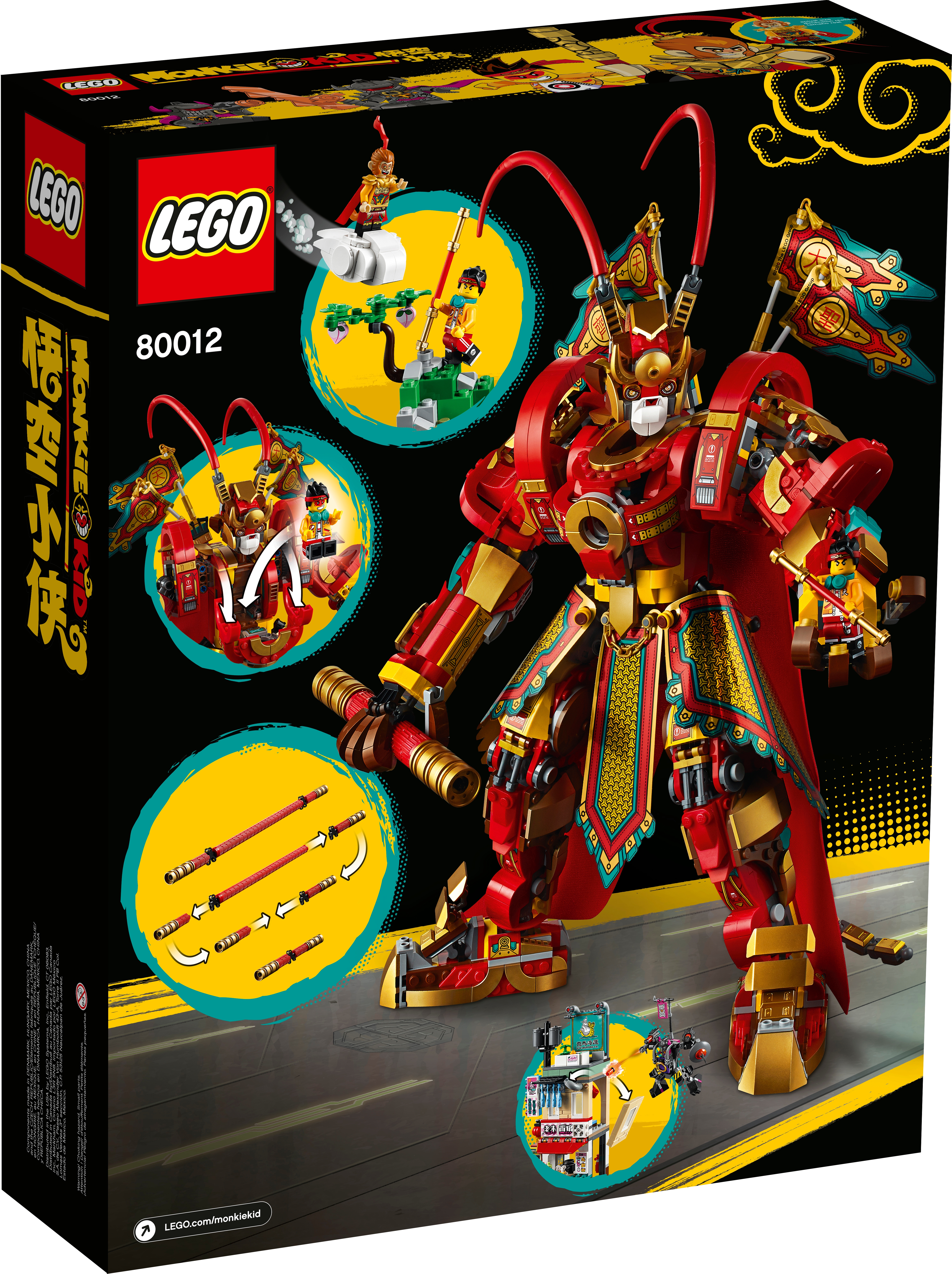
May 25, 20205 yr 7 minutes ago, Alpinemaps said: This is my favorite set out of all of them. It’s your favorite because it is by far the most awesome, no question.
May 25, 20205 yr I definitely didn't realize just from the pics that this set was over 1600 pieces. Pretty impressive for a mech set.
May 25, 20205 yr Surely one to watch. RRP seems steep but will have wide interest I think - I'll definitely be in for a few when the time is right.
May 26, 20205 yr Author 9 hours ago, Alpinemaps said: This is my favorite set out of all of them. I don't know. Porkchop's apocalyptic catering van is hard to beat. Haha. Anywho, this and the Demon Bull King are most definitely the highlights for the theme as of this wave. The Inferno Truck looks fun as well.
May 26, 20205 yr On 5/25/2020 at 9:54 AM, TheOrcKing said: seriously can't stop seeing the pencil thing
May 26, 20205 yr 1 hour ago, $20 on joe vs dan said: seriously can't stop seeing the pencil thing Somebody should do it. Just replace 1 end with a tan 2x2 cone and a black 1x1 cone, and add a 2x2 pink cylinder on the other end (eraser)
May 26, 20205 yr 24 minutes ago, Darth_Raichu said: Somebody should do it. Just replace 1 end with a tan 2x2 cone and a black 1x1 cone, and add a 2x2 pink cylinder on the other end (eraser) or your typical #2 pencil
May 26, 20205 yr 1 minute ago, $20 on joe vs dan said: or your typical #2 pencil Kind of hard to drill holes on actual pencil so Monkey Mech can "hold" it. The Monkey King Mech should stand on a piece of paper while scribbling using the MOCd stick / pencil