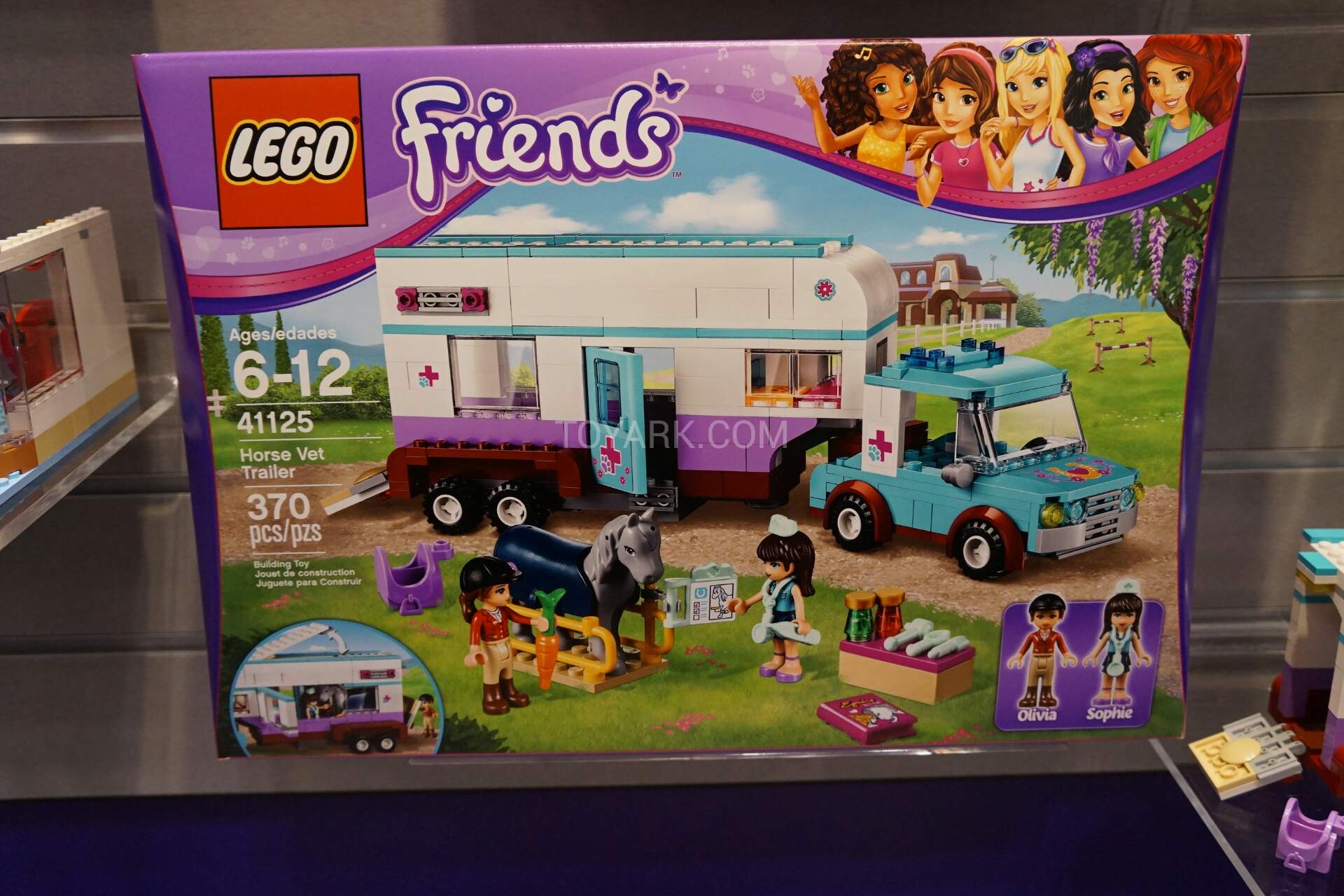
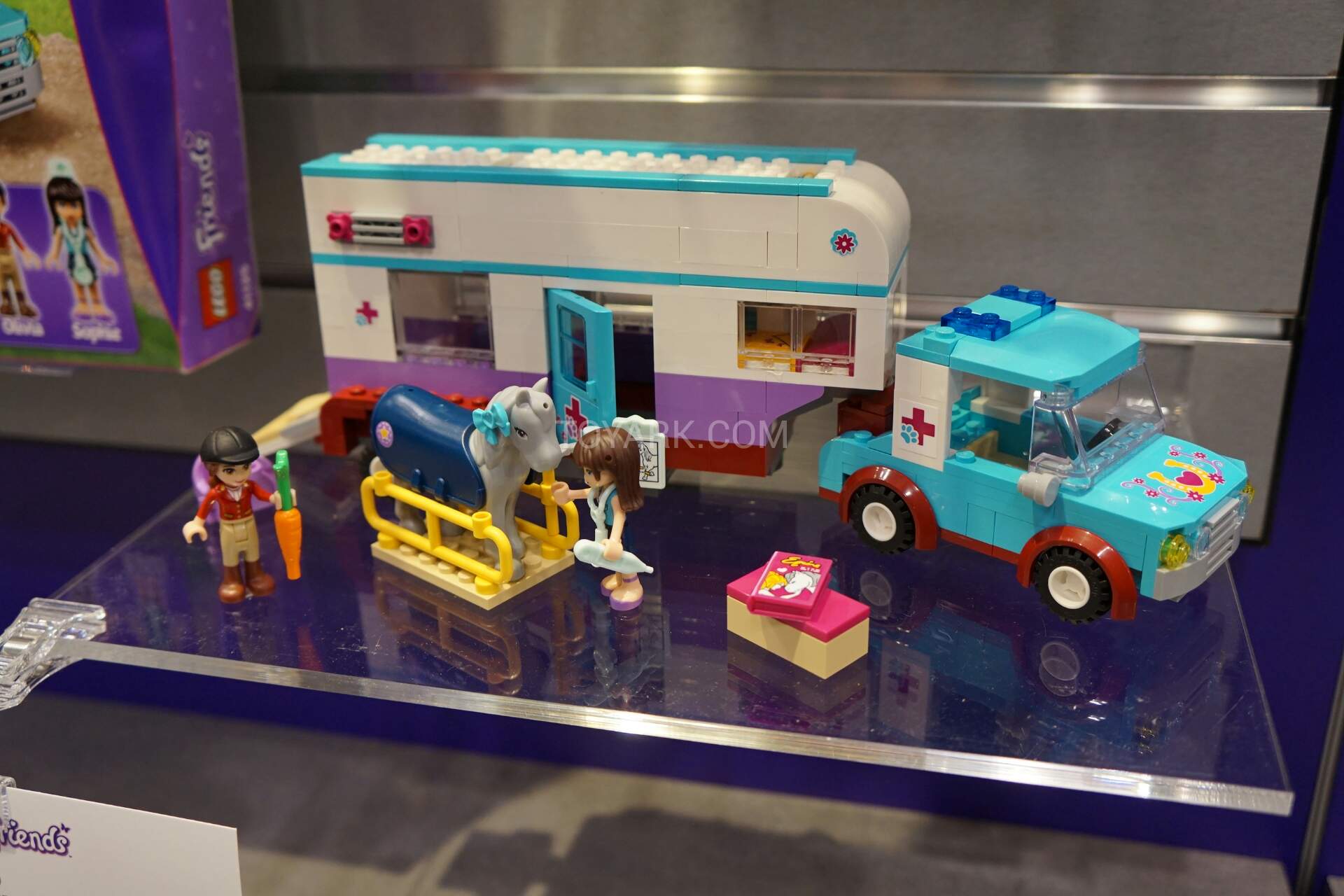
November 29, 20178 yr One of my very favorite retirements this year, I'm heavier on this set than any other for 2017 (I like the other horse set too, but this one a little more). Checks so many boxes for a winner over the next year or so. Judging by the length of this thread I made a good choice. Who else loves this little gem?
November 29, 20178 yr Just picked up 20. Thanks!Sent from my SAMSUNG-SM-N900A using Brickpicker Forum mobile app
November 29, 20178 yr 12 minutes ago, LegoBro said: Just picked up 20. Thanks! Sent from my SAMSUNG-SM-N900A using Brickpicker Forum mobile app I picked up 20 too, and set them back down.
August 13, 20187 yr 2 hours ago, Pebble&Park said: Already up to 2x and we aren't even a year out. Looks like a nice winner. I already sold most of mine for double my money in the $80 range before fees. I hope I don't miss out on a $100+ set come Christmas, but I fear a flood come November with depressed prices. I noticed depressed Amazon prices lasted until almost May this year before recovering, although some still haven't recovered from last October highs.
August 13, 20187 yr Thanks... I forgot that I had a couple of cartons of these stashed away. I might pair them with my Riding Clubs ? I'm more than happy with 2x so time to get rid.
September 10, 20187 yr My fave from this wave is 41308 Stephanie's Friendship cakes. Selling briskly on Amazon at 3xRRP. Easily bought at 50%+ off. EDIT: Thanks@Exciter1 for fixing my Friends' mislabeling...
September 10, 20187 yr 14 minutes ago, Phil B said: My fave from this wave is 41308 Andrea's Friendship cakes. Selling briskly on Amazon at 3xRRP. Easily bought at 50%+ off. uh oh, too many Friends. Stephanie is the baker.