

Jump to content
View in the app

A better way to browse. Learn more.

BRICKPICKER

A full-screen app on your home screen with push notifications, badges and more.

To install this app on iOS and iPadOS
  1. Tap the Share icon in Safari
  2. Scroll the menu and tap Add to Home Screen.
  3. Tap Add in the top-right corner.
To install this app on Android
  1. Tap the 3-dot menu (⋮) in the top-right corner of the browser.
  2. Tap Add to Home screen or Install app.
  3. Confirm by tapping Install.

Featured Replies

  • 4 weeks later...
  • Replies 52
  • Views 34.8k
  • Created
  • Last Reply

Top Posters In This Topic

Most Popular Posts

  • Pet-Brick-er
    Pet-Brick-er

    I loaded some ? EU amazon prices are not as US ones are, maybe for xmas they will be I'll be waitin'

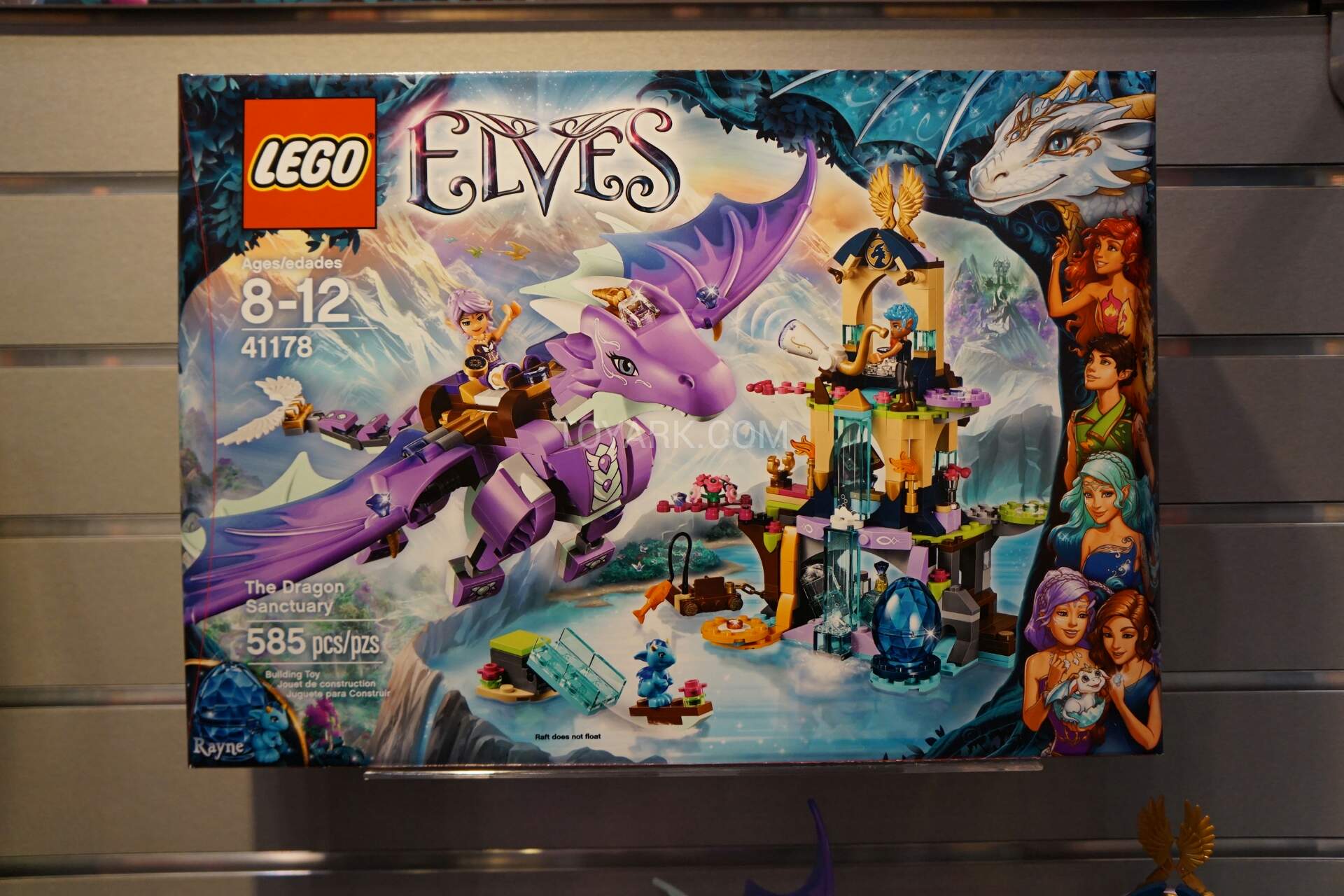
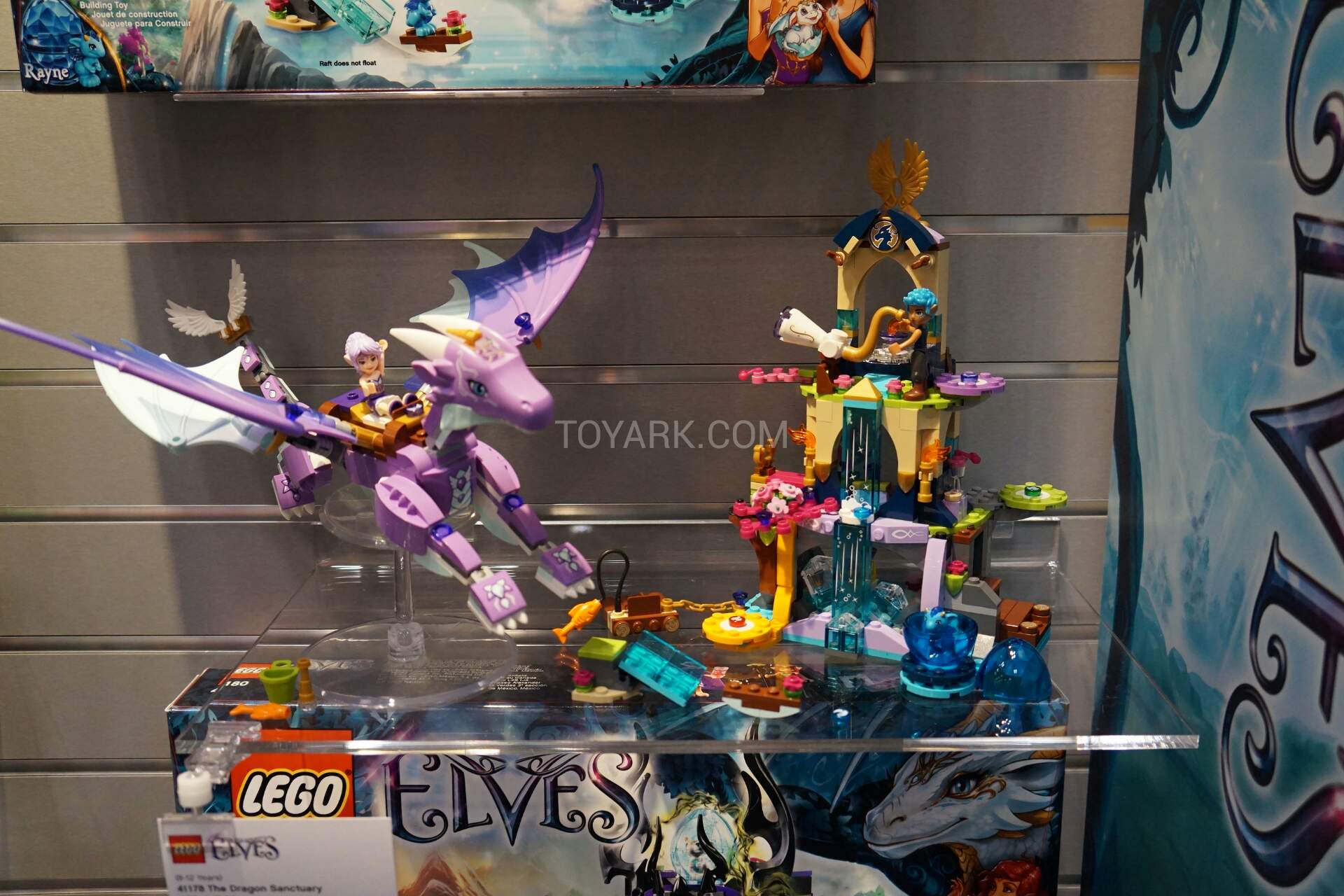
  • Pink Dragon, 6 month life, empty BP thread before retirement. Winner.

  • The main theory this one did well is that, on the supply side, it was not widely distributed or hoarded and for demand, it was the centrepiece model to house all the baby dragon eggs. The dragon sets

Posted Images

DS watch for February: Minimum Amazon Europe price 212 euros. 300 USD FBA Amazon US.

  • 4 months later...

Join the conversation

You can post now and register later. If you have an account, sign in now to post with your account.
Note: Your post will require moderator approval before it will be visible.

Guest
Reply to this topic...

Recently Browsing 0

  • No registered users viewing this page.

Configure browser push notifications

Chrome (Android)
  1. Tap the lock icon next to the address bar.
  2. Tap Permissions → Notifications.
  3. Adjust your preference.
Chrome (Desktop)
  1. Click the padlock icon in the address bar.
  2. Select Site settings.
  3. Find Notifications and adjust your preference.