August 9, 201411 yr Really like this build.. Just wondering how much it will be when I'll bricklink it all together.
August 9, 201411 yr Meh, not a great combination together IMO. Similar to the Palace Cinema in the modulars, just a bit out of place. Like the building, but not next to a board shop of completely different architecture. I do like the ideas for the shops, just not right next to each other.
August 10, 201411 yr Author It's probably just me but I like having differently styled architectural designs beside one another. I get the concept of continuity but when everything is the same, they end up blending in with other and nothing stands out which can be dull. I have actually thought about building a Chinese restaurant except in a more traditional red and black I think. The main inspiration for that were the printed panels from the original Ninjago sets like the dojo and temple.
August 10, 201411 yr Author Where's the sushi smell brick?There are so many ways this could go....and I'm not touching any of them with a twenty foot pole. :no:
August 10, 201411 yr I really like the exterior of the Japanese restaurant. that planter for the flower bed is nice too.
August 10, 201411 yr It may be ok next to the Cafe and Bike shop. I really, really like the frontage. Quite offbeat.
August 10, 201411 yr I wish the two would separate like the Pet Shops two buildings. Otherwise, I really like the designs.
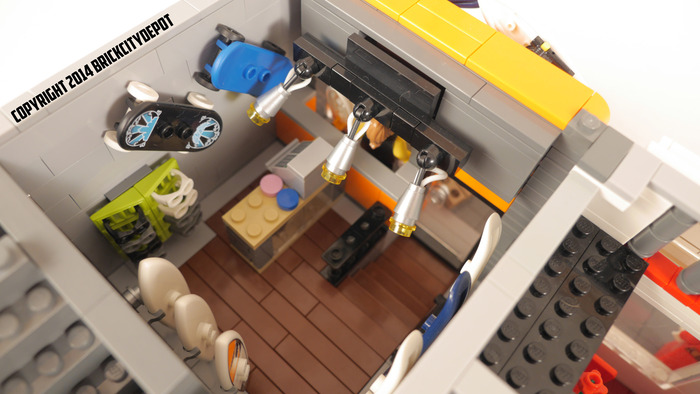
August 10, 201411 yr I like the contrast a lot. If I had to pick one, I would say that I prefer the look of the board shop. The orange window area really stands out.





 2
2
