

Leaderboard
-
Pseudoty
Members+2Points7,555Posts

Popular Content
Showing content with the highest reputation on 04/27/2026 in Posts
-
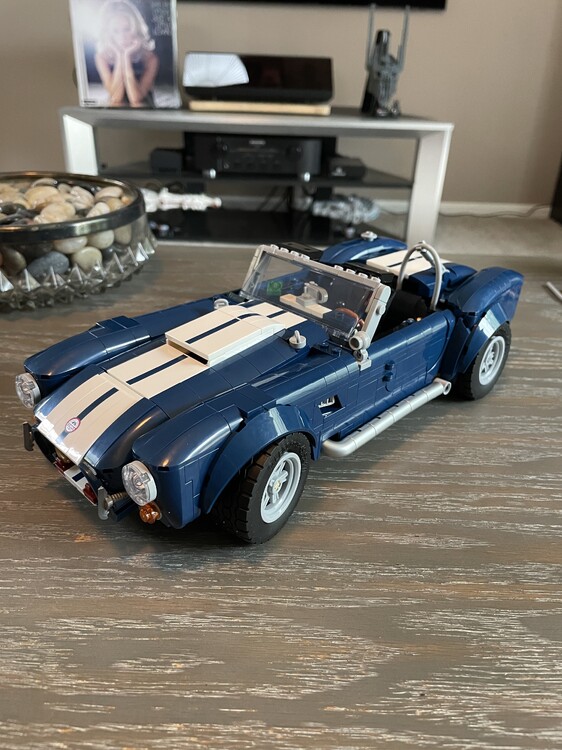
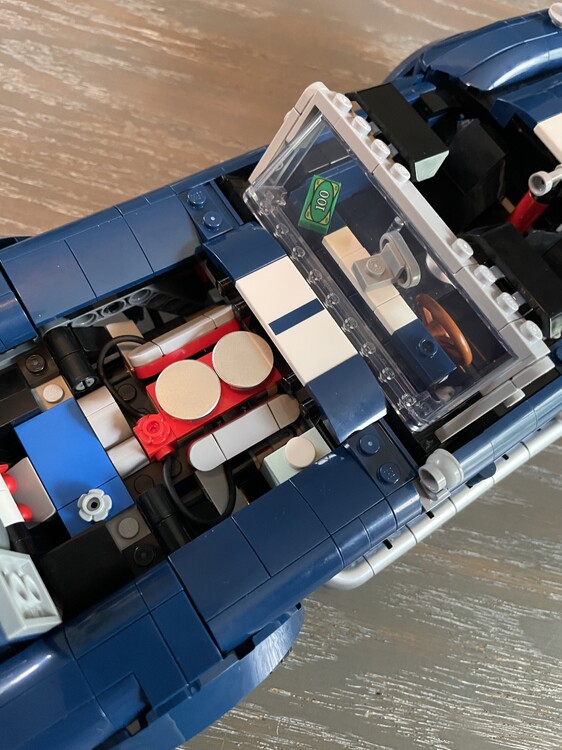
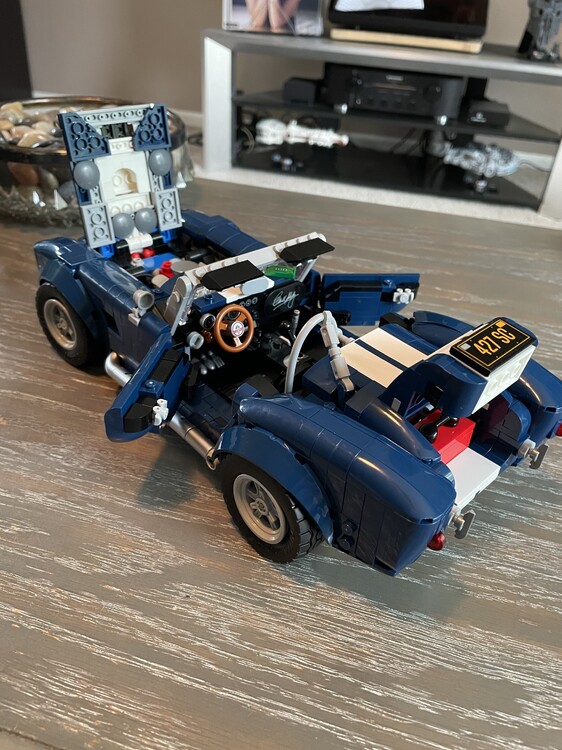
2 pointsShelby Cobra: Build 9 Display 7 Play 5 Value 4 This is an amazing build with two new to me techniques and a bunch of SNOT brick sub assemblies that I really enjoyed. Only 3 stickers that are all easily applied. Should have come with a Shelby minifigure instead of a trophy and tool box. Now that we have Mattel to compare to the biggest let downs are the wheels with mismatched rim hubs, imagine if these were metal, and the exhaust tips are atrocious should have been metallic silver like the rest of the parts. The engine build is really simple with no working transmission. Finally, it is smaller than the other more recent icons cars and is definitely overpriced for $160. I would still recommend this set if you can pick it up for $120.
 2 points


