

Leaderboard
-
Pseudoty
Members+1Points7,555Posts

Popular Content
Showing content with the highest reputation on 01/31/2026 in Posts
-
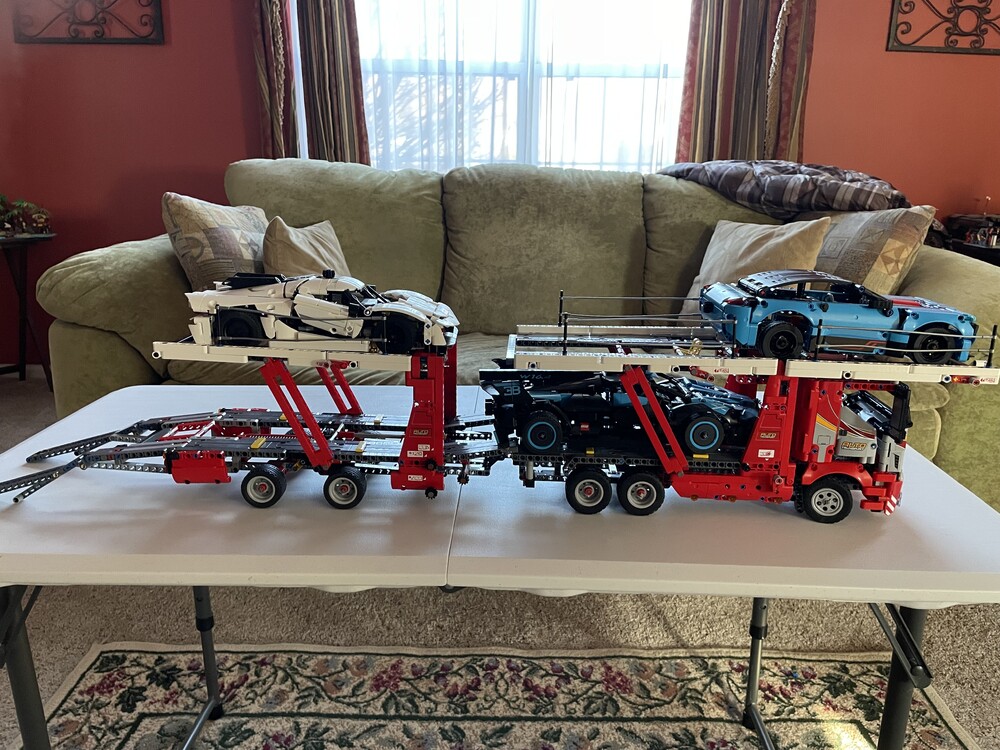
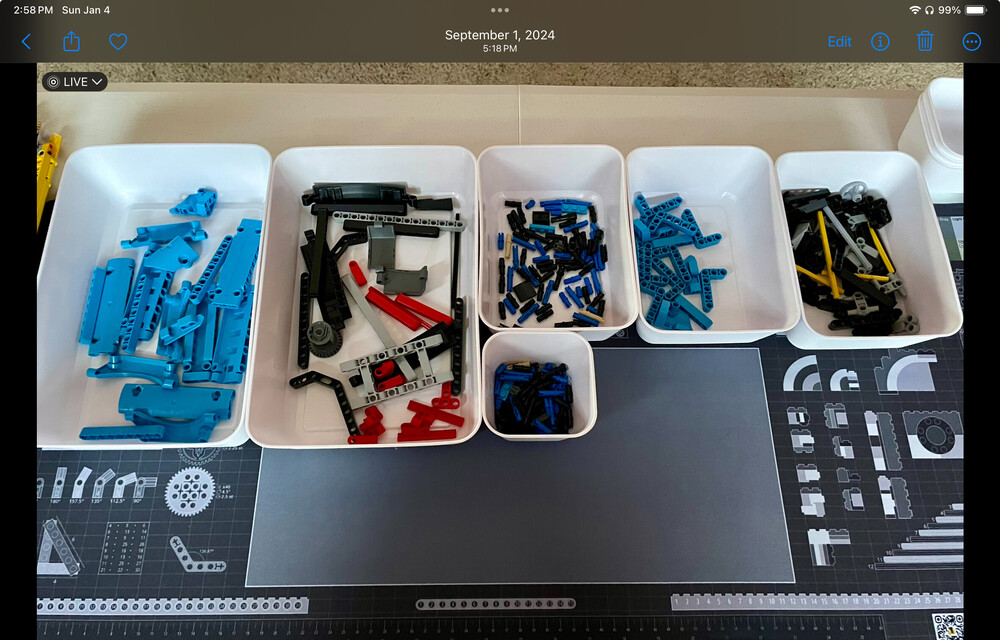
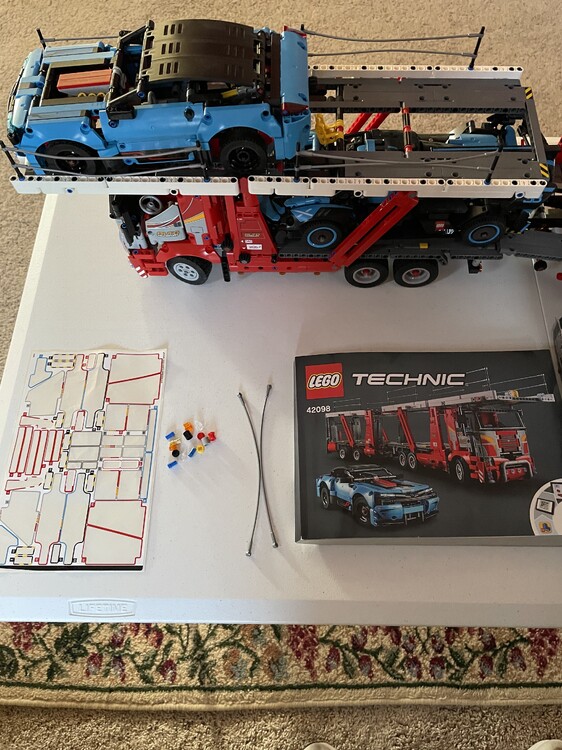
So here is a bit of a horror story for you. Before starting the D&D Castle set I finally had to finish the 42098 Car Transporter. This was an open box return with several open bags and loose pieces inside. The instructions and sticker sheet were mint so I thought let’s give it a try, this was back in September 2024. Right off the start I was missing a gear for the corvette and had to place a BL order. I was able to finish the car but then was missing a few small elements for the truck and decided to sort the entire set and inventory it, brutal. Two more BL orders and I was ready to go! This is old school technic, no app, just look at the elements in the call out box and the picture in the instructions and figure out where things go. I hated working on this set and made a lot of mistakes twice having to do some major rebuild. I would probably say it is my least favorite build ever, even worse than sets that have tons of repetitive steps, just no joy in this set. What got me through it was that once done I would be left with an amazing functional play set that also nicely displays my technic cars. I am glad to get my build area back and this thing will be going up for trade/sale soon if someone wants it. I’m looking for NISB Italian Riviera or Natural History Museum.
 1 point


