
Jump to content
View in the app

A better way to browse. Learn more.

BRICKPICKER

A full-screen app on your home screen with push notifications, badges and more.

To install this app on iOS and iPadOS
  1. Tap the Share icon in Safari
  2. Scroll the menu and tap Add to Home Screen.
  3. Tap Add in the top-right corner.
To install this app on Android
  1. Tap the 3-dot menu (⋮) in the top-right corner of the browser.
  2. Tap Add to Home screen or Install app.
  3. Confirm by tapping Install.

Leaderboard

Popular Content

Showing content with the highest reputation on 12/10/2025 in Posts

  1. 0 points
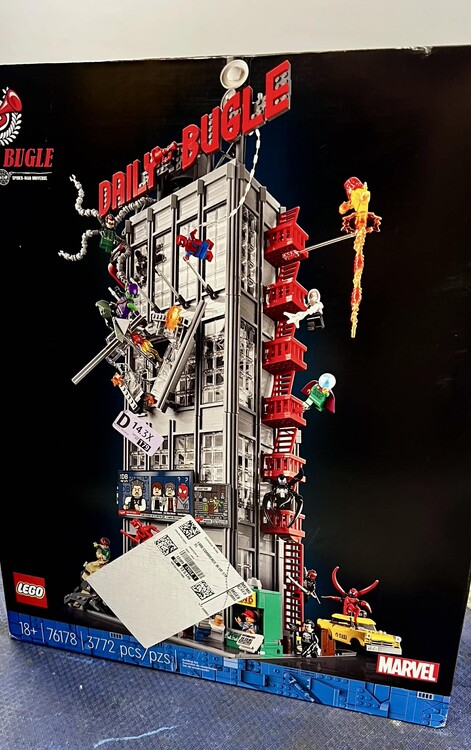
    Received 8 different shipments today. Enough to spark three comments. 1. LEGO is sending Bestseller PAB parts mixed with orders now. I've always had them come separately, no matter bestseller or standard. 2. For those wondering, I received a $200 standard PAB order and was NOT charged a customs fee in the US. 3. Finally, thanks Amazon! Keep up the good work. We love you!
Configure browser push notifications

Chrome (Android)
  1. Tap the lock icon next to the address bar.
  2. Tap Permissions → Notifications.
  3. Adjust your preference.
Chrome (Desktop)
  1. Click the padlock icon in the address bar.
  2. Select Site settings.
  3. Find Notifications and adjust your preference.
