

Leaderboard
-
ravenb99
Members+2Points5,801Posts -
Darth_Raichu
Moderators1Points15,071Posts -
cladner
Members+1Points4,442Posts -
Billy Brick
Members+1Points607Posts


Popular Content
Showing content with the highest reputation on 12/07/2025 in Posts
-
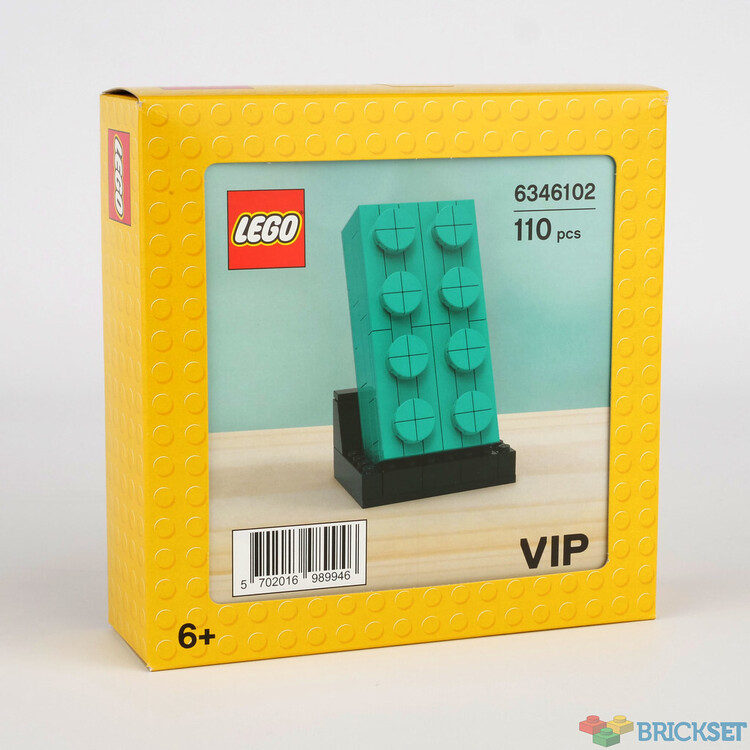
1 pointThose gems that they thought were great ideas for expensive BF GWP's
.jpeg.c63360237e5e383c0a41c1ea06a3206d.jpeg)
 1 point
 -
1 point$100 for the shuttle is a good price imo considering the enterprise will likely go on sale for $300 in the next couple years.1 point
-
1 pointIt is pretty abnormal for someone to message a seller like this. It shows they are trying to get something out of you. I would hit the no reply required message. Then i would hit button reporting the buyer as being intimidating and the other button to ask amazon to investigate this transaction and only respond to questions related to did the box go to this person's address and do they want to return it. This is not a social media. This is a store. You buy something. If you don't like it or the condition, you return it. you don't start up a convo about the provenance.1 point
-
1 pointMini Knight's Castle has replaced the stupid bricks with $250 buy in as worst promo ever. Return on dollar wise it is worse than Chima Fire Bike as well!1 point
-
1 point
.jpeg.c63360237e5e383c0a41c1ea06a3206d.jpeg)
