

Leaderboard
-

eliminator
Members+3Points1,432Posts -
Billy Brick
Members+2Points607Posts -
CosmicSpeed
Members+1Points1,751Posts -
Darth_Raichu
Moderators1Points15,071Posts


Popular Content
Showing content with the highest reputation on 12/04/2025 in Posts
-
2 pointsThose Geoffrey Toybox claw machines have crushed many ewok forces and rebel scum so not a total loss. (In all serious, that's a bummer, sorry)2 points
-
2 pointsFYI, just checked, its now Micro NINJAGO City Markets...still a 3-for-1 GWP deal.2 points
-
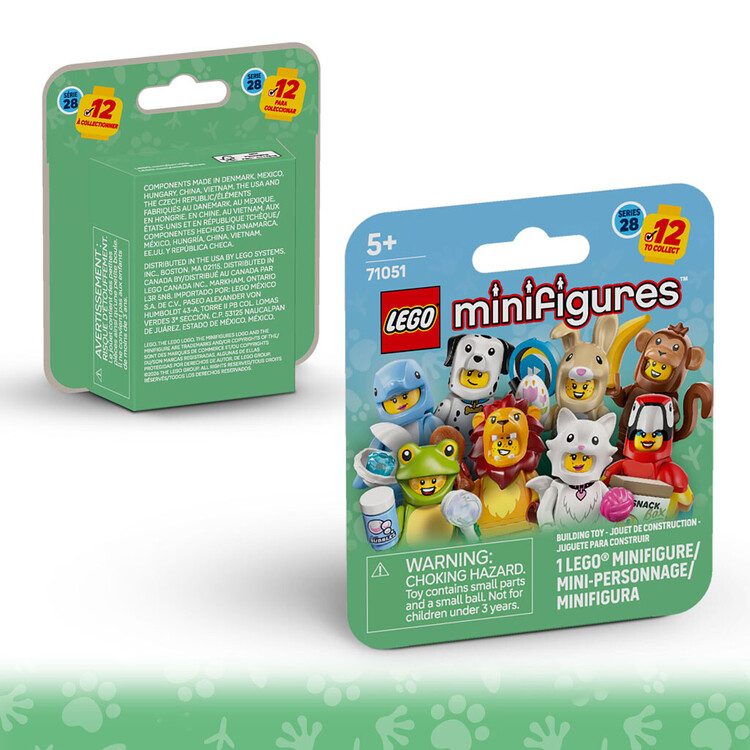
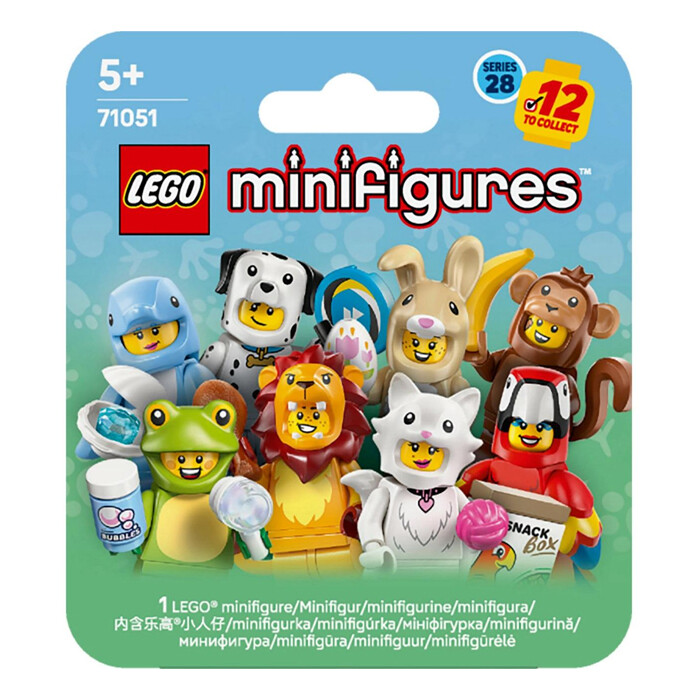
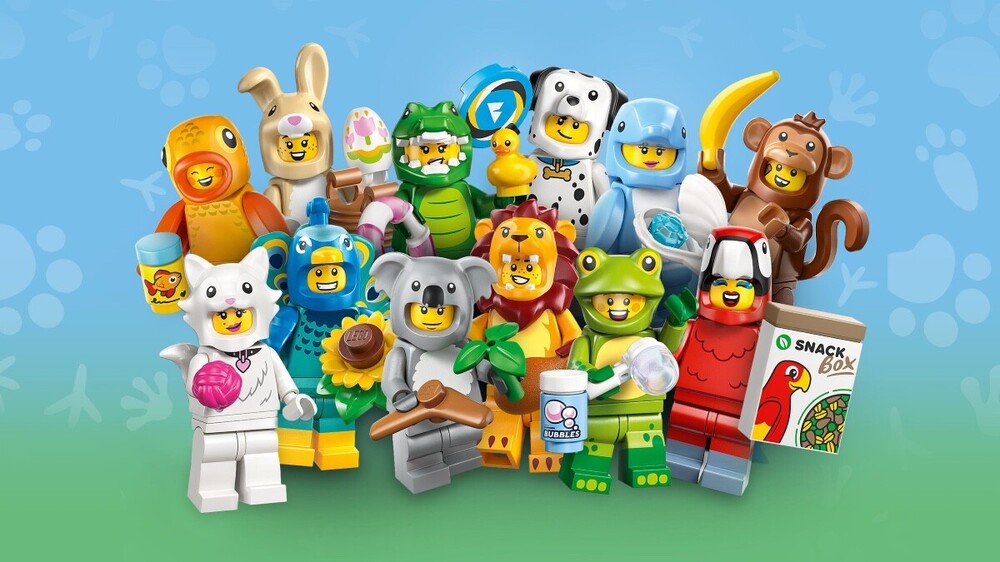
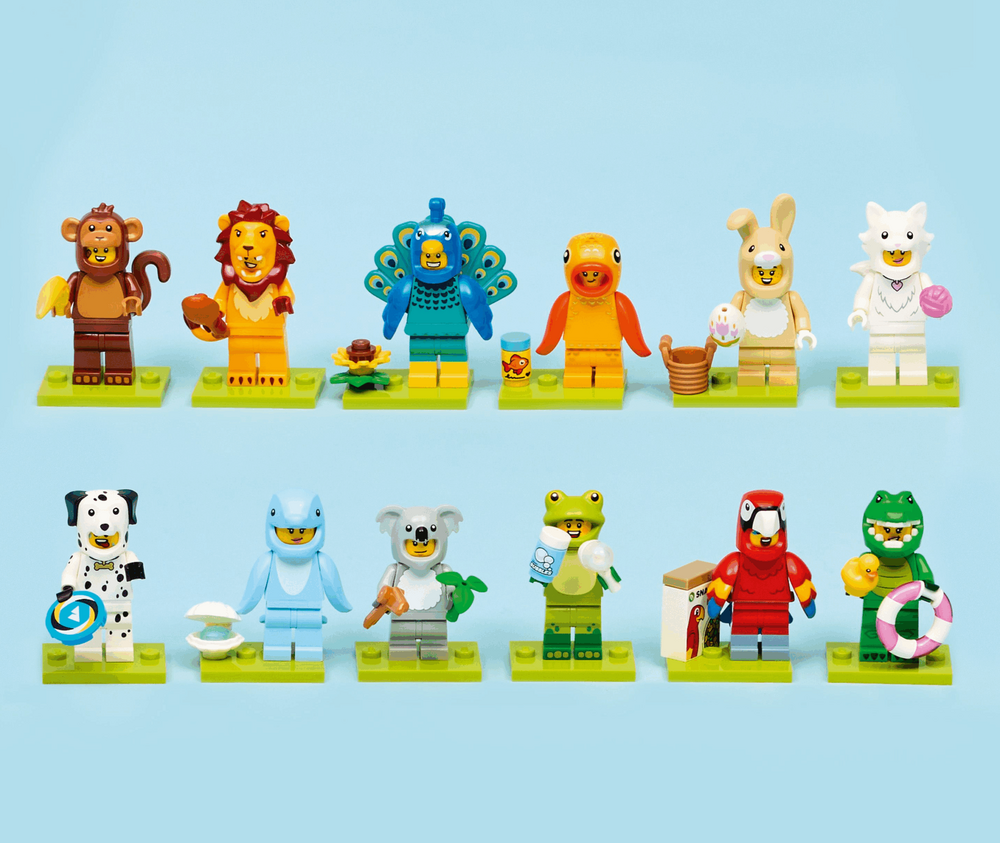
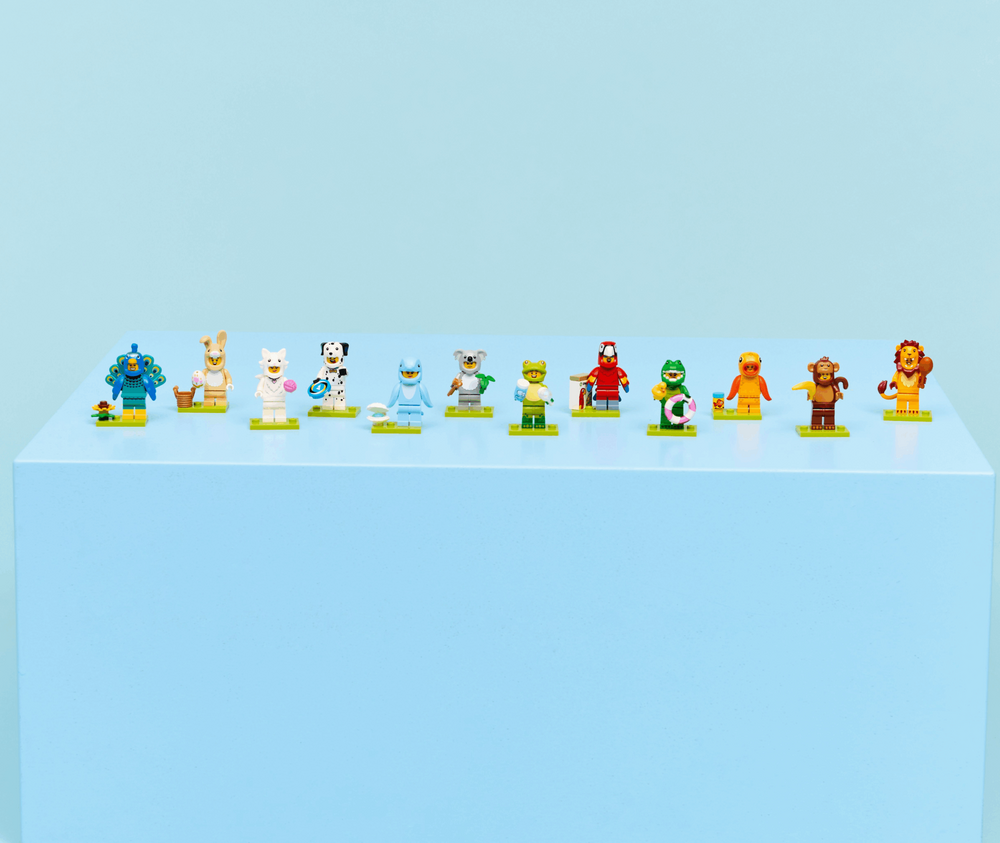
 LEGO Collectible Minifigures Series 28 has been officially announced! We have a special offer for all Brickpicker members as always. 10% off if you use this code at checkout "Animal25-Brickpicker" at minifiguresplus.com Box (of 36) - $158.84 (with code) Set (of 12) - $56.69 (with code) US product begins shipping January 1st.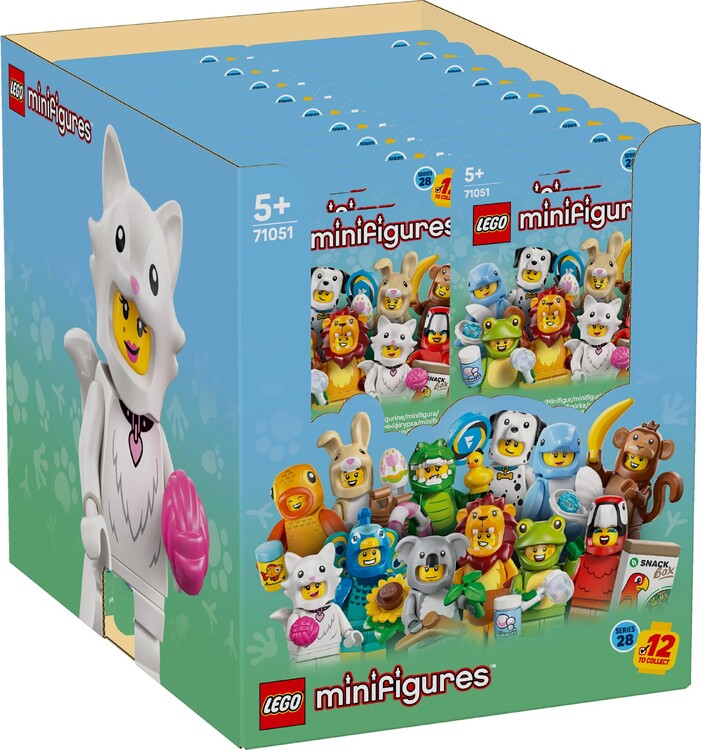
 1 point
 -
1 point
-
1 pointGood morning and thanks. You could get 4 X Arcade Machines but I went with Emerald City Wall Art, another set off my wishlist and look at the BL part out value.1 point
-
0 pointsJust got my order from Macy's sale on Sunday when I ordered the UCS AT-ST. Unfortunately this is what was inside my box. They issued me a refund and told me I have to return the item. Now I am out an AT-ST, time, effort and gas money driving to the store to return.0 points
-
0 points


