
Jump to content
View in the app

A better way to browse. Learn more.

BRICKPICKER

A full-screen app on your home screen with push notifications, badges and more.

To install this app on iOS and iPadOS
  1. Tap the Share icon in Safari
  2. Scroll the menu and tap Add to Home Screen.
  3. Tap Add in the top-right corner.
To install this app on Android
  1. Tap the 3-dot menu (⋮) in the top-right corner of the browser.
  2. Tap Add to Home screen or Install app.
  3. Confirm by tapping Install.

Leaderboard

Popular Content

Showing content with the highest reputation on 10/07/2025 in Posts

  1. Looks like it’s going to be a good day tomorrow, looking forward to finally getting this at a deep discount.
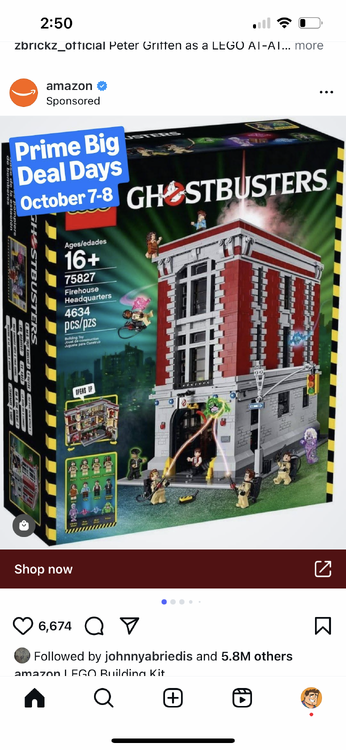
  2. Anyone tracking this: supposedly, some sets on sale at Lego.com starting tomorrow...
  3. Macys 40% off 75386 Vizsla and Moff, plus 10%back og retailmenot
  4. 30% off limit 20 on a Retired guaranteed winner per the YouTube gurus https://www.amazon.com/gp/product/B0BNWBR8RS/ref=ox_sc_act_title_1?

Configure browser push notifications

Chrome (Android)
  1. Tap the lock icon next to the address bar.
  2. Tap Permissions → Notifications.
  3. Adjust your preference.
Chrome (Desktop)
  1. Click the padlock icon in the address bar.
  2. Select Site settings.
  3. Find Notifications and adjust your preference.

