

Leaderboard
-

eliminator
Members+4Points1,432Posts -

raindog
Members+2Points1,420Posts -
Bricklectic
Members+1Points2,844Posts


Popular Content
Showing content with the highest reputation on 09/02/2025 in Posts
-
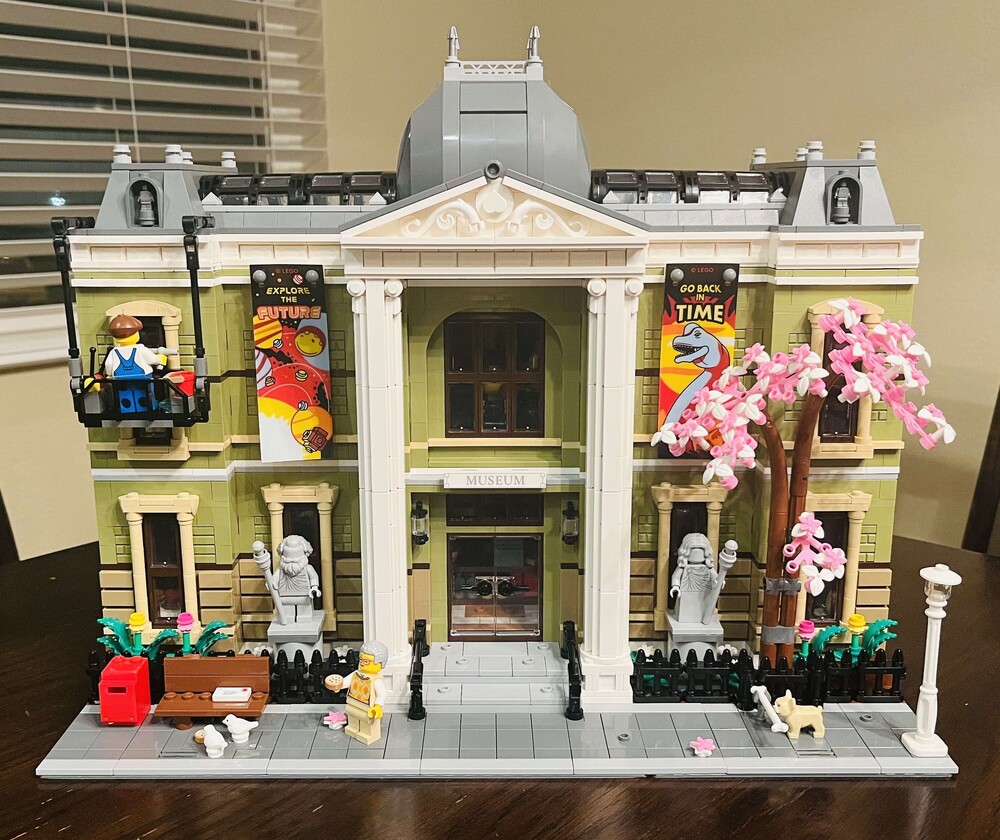
2 pointsLong weekend project. Great set, despite just being a box.
 2 points
 -
2 pointsGreat deal. I grabbed one for a personal build (will modify for castle theme) or on the off chance my kids suddenly get into the Snow White theme...2 points
-
2 pointsThe set is old school, not the new abomination. I built one, built a back wall and put it in a forest scene using: https://rebrickable.com/mocs/MOC-173236/Brick Artisan/cottage-enclosure-compatible-with-set-43242/#details and https://rebrickable.com/mocs/MOC-176497/gabizon/48x48-display-for-set-43242-snow-white-and-the-seven-dwarfs-cottage/#details It looks great!2 points
-
1 point

