

Leaderboard
-
Pseudoty
Members+2Points7,497Posts -
keymomachine
Members+1Points1,391Posts -
gmpirate
Members+1Points3,120Posts -
Bold-Arrow
Moderators1Points18,273Posts

.thumb.jpg.2388d65c77b4486ba81fd9fb9fdd1a00.jpg)


Popular Content
Showing content with the highest reputation on 08/15/2025 in Posts
-
I stopped using usps unless there are no other alternative . I’ll pay extra to avoid them1 point
-
Doesn't help you now but this is precisely why I don't use USPS until the 4th quarter or as a last resort. Too much incompetence and lack of accountability. They will wear you out until you give up.1 point
-
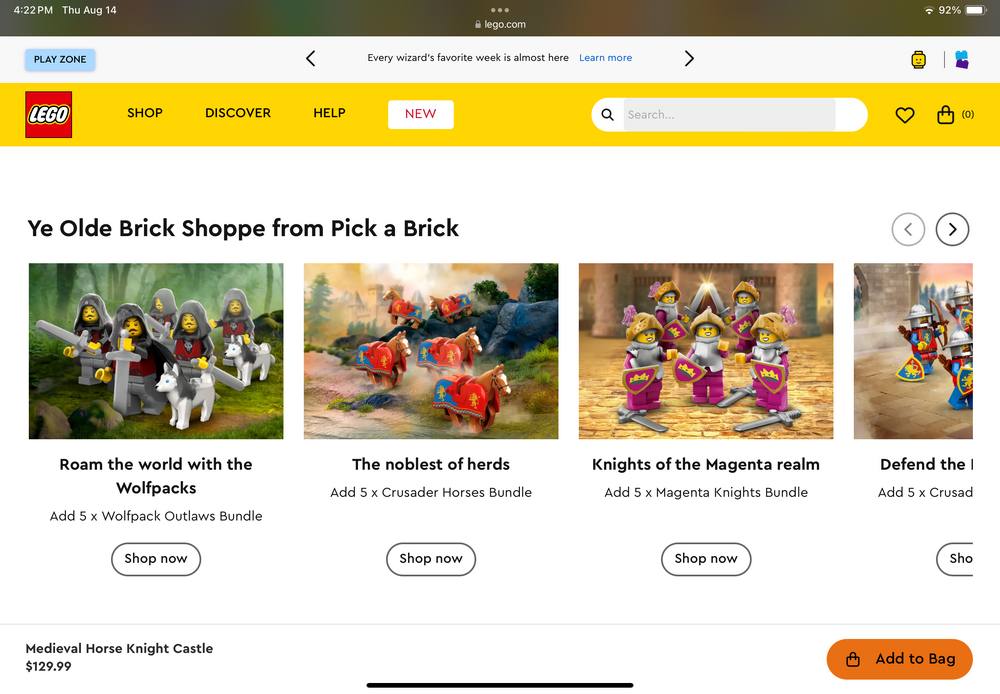
1 pointI really like the idea that the horses are their own group in the castleverse, this is where they live:1 point
-
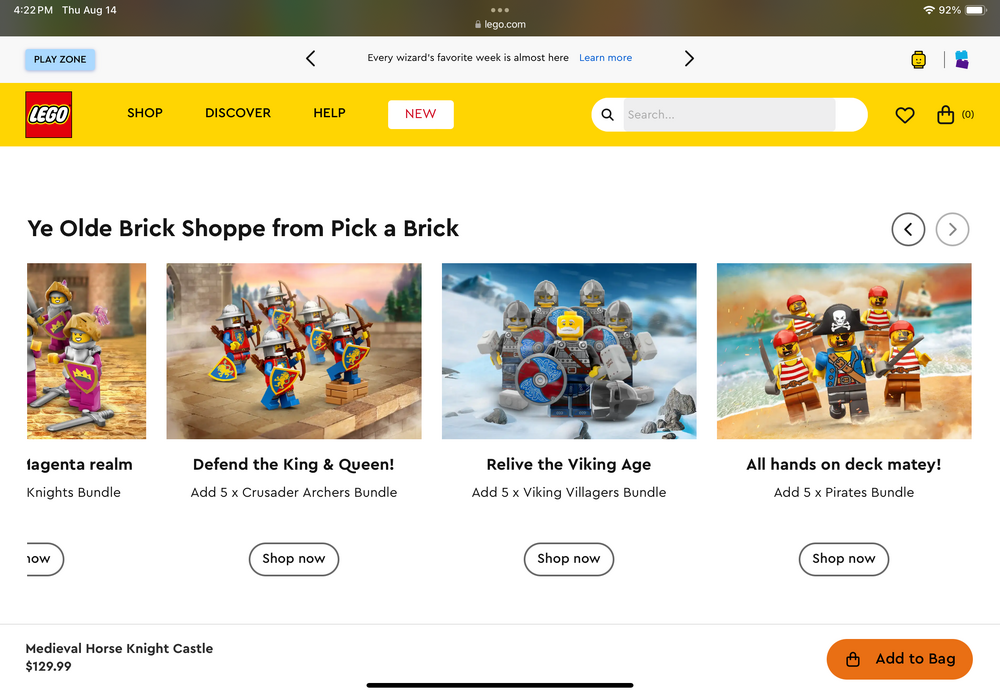
1 pointNew Feature Castle Battle Packs. You can edit the bundle order to change faces, weapons and other elements.
 1 point
 -
1 pointLowest ranked Lego set ever? https://www.lego.com/en-us/product/republic-juggernaut-754131 point

