

Leaderboard
-
TheOrcKing
Moderators2Points26,518Posts -
Bricklectic
Members+1Points2,844Posts -
Mr_Coat
Members+1Points476Posts -
fossilrock
Members+1Points2,972Posts


Popular Content
Showing content with the highest reputation on 07/31/2025 in Posts
-
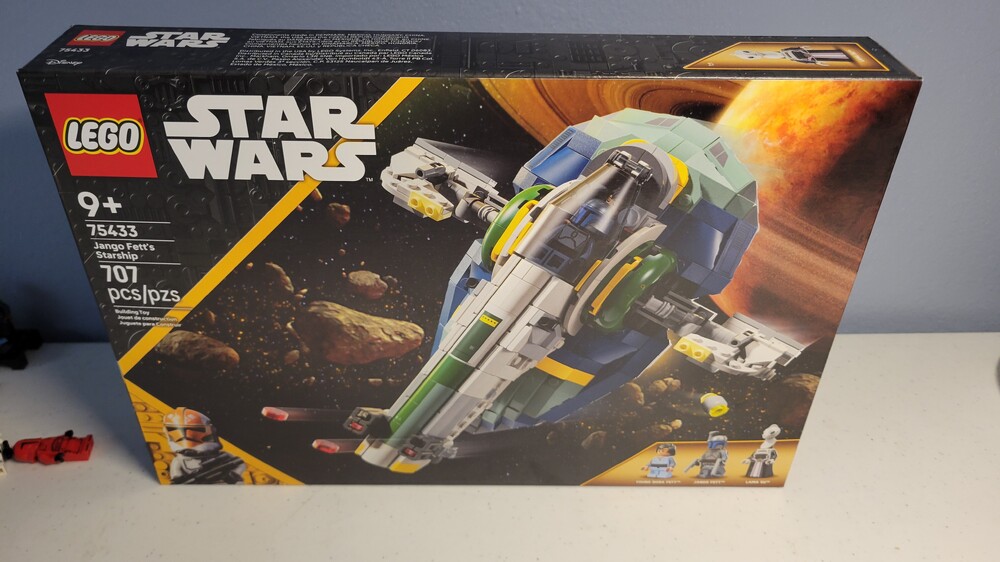
2 points2 points1 pointSummer wave hit my local target today. Decided to buy Jangos Slave 1... Also saw the MTT, Clone Turbo Tank and a ucs ATST. Didnt see the others.
 1 point1 pointI look to be entertained watching a lego review. Jang is like anesthesia for me. Instant sleep. MandR is cool and entertaining, in a space dominated by nerds. Not that hes not a nerd. But at least somewhat cool entertaining one. And whether hes biased towards more critical reviews or not. His takes are based on a deep knowledge of star wars and lego and definitely valid.1 point
