

Leaderboard
-
Darth_Raichu
Moderators1Points15,071Posts -
starwarsxpress
Members+1Points830Posts


Popular Content
Showing content with the highest reputation on 04/26/2025 in Posts
-
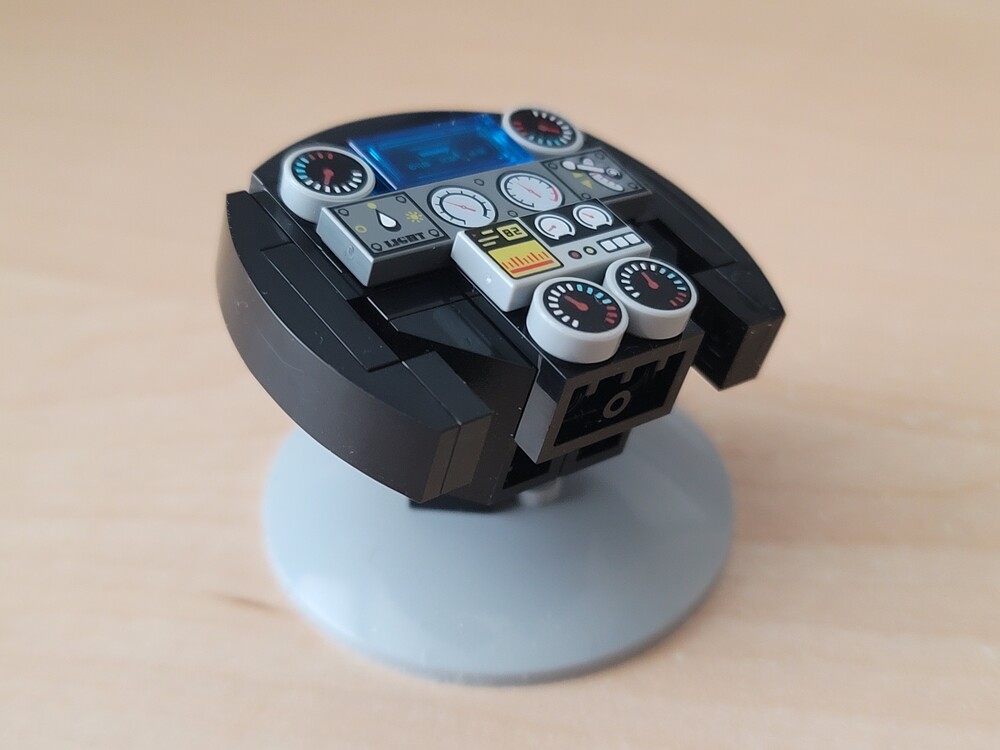
I went and built this too. I almost paid $ on ebay for one since I missed the first build but they brought this back for some reason. I don't remember them bringing back take and builds of the same set but they probably did and I just didn't know. they had plenty to build and not much traffic.1 point
-
Went to LEGO store yesterday for the first time in a long time and they happened to have this free build thing. In case not obvious, this is a mini steering wheel that can rotate freely and can be tilted against its base. It is amazing the types of bricks available and the kind of printing. The 3 semi transparent lines on the translucent blue flat would have been unimaginable 10 years ago.

 1 point


