
Jump to content
View in the app

A better way to browse. Learn more.

BRICKPICKER

A full-screen app on your home screen with push notifications, badges and more.

To install this app on iOS and iPadOS
  1. Tap the Share icon in Safari
  2. Scroll the menu and tap Add to Home Screen.
  3. Tap Add in the top-right corner.
To install this app on Android
  1. Tap the 3-dot menu (⋮) in the top-right corner of the browser.
  2. Tap Add to Home screen or Install app.
  3. Confirm by tapping Install.

Leaderboard

Popular Content

Showing content with the highest reputation on 10/12/2023 in Posts

  1. Camelcamelcamel says this is the cheapest it has ever been on Amazon. I doubt that Lego has dropped it 20% on their site yet, but I could envision that type of sale in the future - either Black Friday or May the 4th. Unless Mando gets another Razor Crest in the future, I don't see this ship becoming as iconic as it initially seemed it might.
  2. 1 point
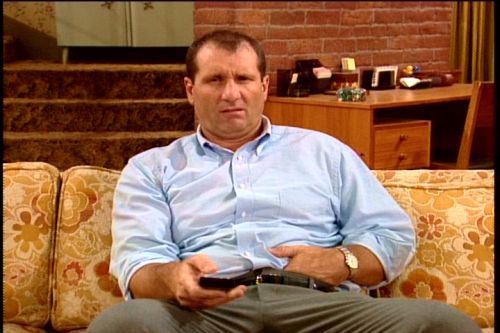
    75288 At-At Walker from Amazon sale came in today minty fresh in a frustration-free box that was snug inside an additional Amazon box that was the perfect size with no wasted space. I turned and actually saw myself in a mirror doing this:
  3. Congratulations, that's a lot for your inventory.

Account

Navigation

Search

Configure browser push notifications

Chrome (Android)
  1. Tap the lock icon next to the address bar.
  2. Tap Permissions → Notifications.
  3. Adjust your preference.
Chrome (Desktop)
  1. Click the padlock icon in the address bar.
  2. Select Site settings.
  3. Find Notifications and adjust your preference.