
Jump to content
View in the app

A better way to browse. Learn more.

BRICKPICKER

A full-screen app on your home screen with push notifications, badges and more.

To install this app on iOS and iPadOS
  1. Tap the Share icon in Safari
  2. Scroll the menu and tap Add to Home Screen.
  3. Tap Add in the top-right corner.
To install this app on Android
  1. Tap the 3-dot menu (⋮) in the top-right corner of the browser.
  2. Tap Add to Home screen or Install app.
  3. Confirm by tapping Install.

Leaderboard

Popular Content

Showing content with the highest reputation on 07/04/2021 in Posts

  1. available globally from August 1, 2021 265 pieces | US $29.99 | UK £27.99 | CAN $39.99
  2. No change was made, just speculation on their end of what they think would/should change. At least that was my conclusion after a quick scan of this lengthy article, didn't read all paragraphs with full detail and attention.
  3. How much does LEGO's bottom line increase by shipping 1,000 orders of 5 instead of 5,000 orders of 1? A lot, I'd guess.
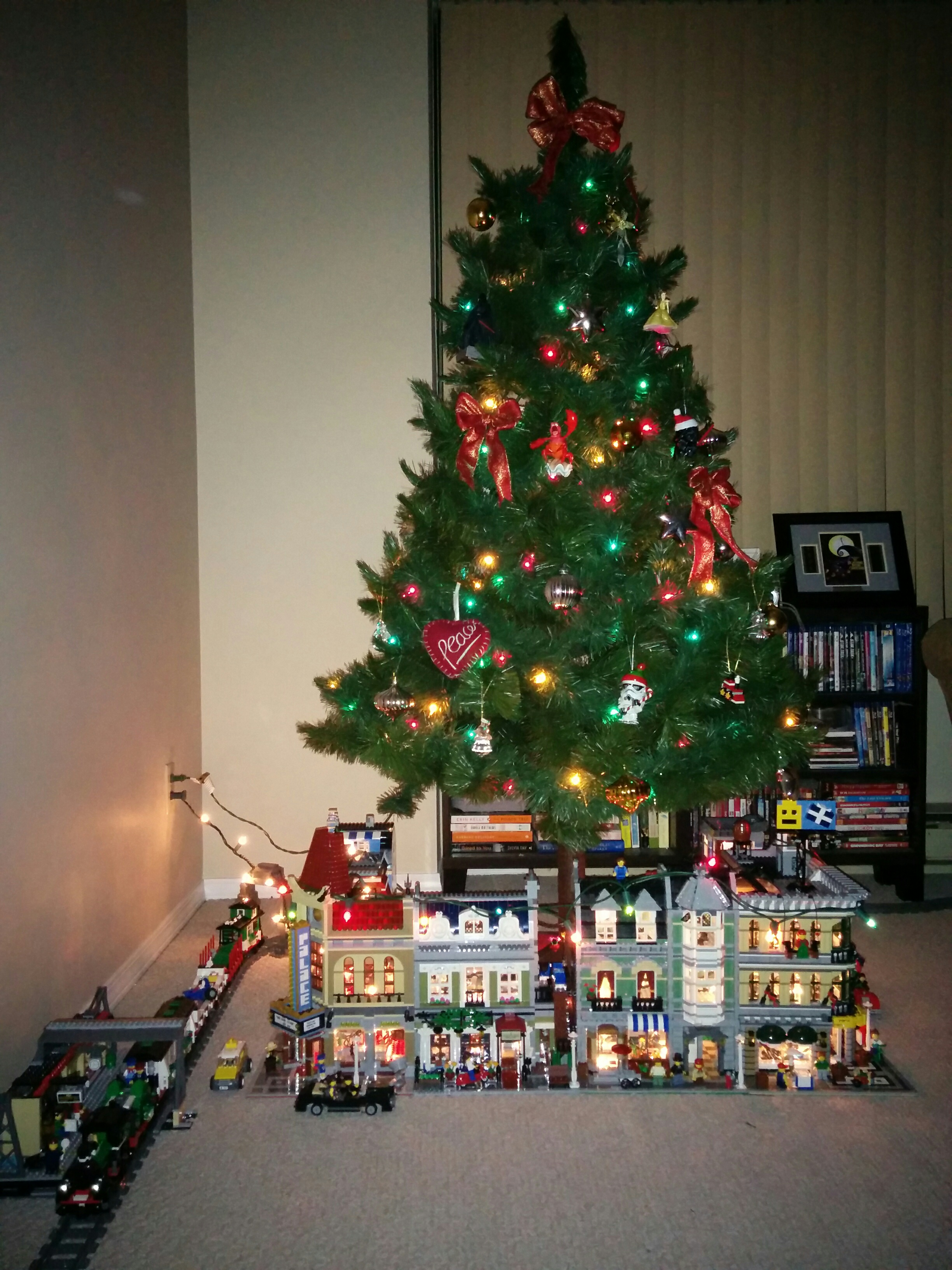
  4. Yesterday: a father's day gift. Yay LEGO!

Account

Navigation

Search

Configure browser push notifications

Chrome (Android)
  1. Tap the lock icon next to the address bar.
  2. Tap Permissions → Notifications.
  3. Adjust your preference.
Chrome (Desktop)
  1. Click the padlock icon in the address bar.
  2. Select Site settings.
  3. Find Notifications and adjust your preference.