

Leaderboard
-

Quacs
Members+1Points4,165Posts

Popular Content
Showing content with the highest reputation on 07/12/2016 in Blog Articles
-
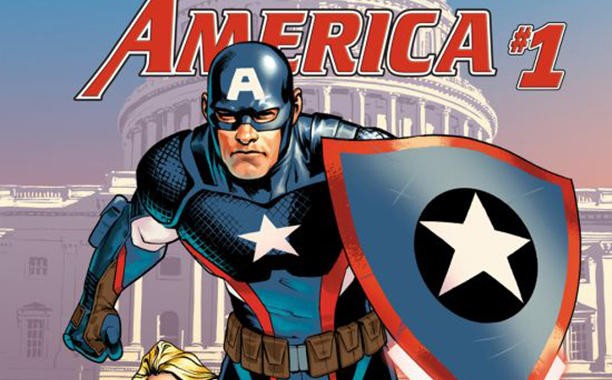 The Lego Group has revealed the first of their 2016 San Diego Comic Con minifigure giveaways: a new "Hydra-devoted" Captain America minifigure! This minifigure celebrates the heel turn of one of Marvel fans' favorite heroes. More information on the giveaway can be found at Entertainment Weekly. What do you think of the new minifigure? Please share your thoughts in the comments.1 point