

Leaderboard
-
Jeff Mack
Administrators1Points7,591Posts

Popular Content
Showing content with the highest reputation on 05/21/2015 in Blog Articles
-
1 point
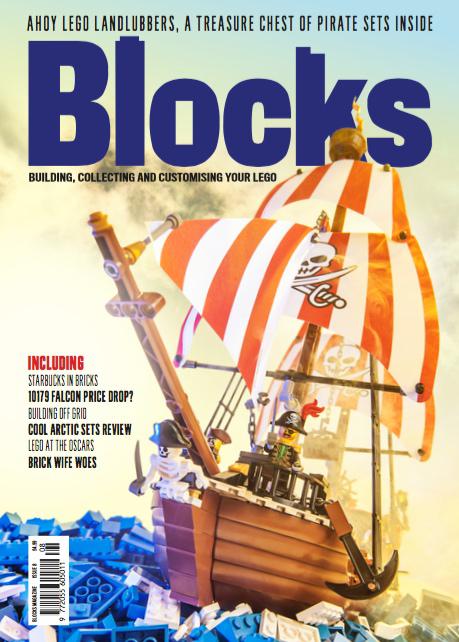 Ahoy me hearties! You'll have to wait another week if you normally buy your copy of Blocks magazine in the shops, but Issue 8 has just landed in the office and is already on its way to subscribers! Feel left out having to wait? You can join them at www.blocksmag.com I really look forward to each one of these magazines. The content is interesting and I really enjoy reading about all the people that have found a way to make a living off of the brick. There is a special guest writer in this issue of Blocks, someone you know from here very much...(Ed Mack )1 point