
Jump to content
View in the app

A better way to browse. Learn more.

BRICKPICKER

A full-screen app on your home screen with push notifications, badges and more.

To install this app on iOS and iPadOS
  1. Tap the Share icon in Safari
  2. Scroll the menu and tap Add to Home Screen.
  3. Tap Add in the top-right corner.
To install this app on Android
  1. Tap the 3-dot menu (⋮) in the top-right corner of the browser.
  2. Tap Add to Home screen or Install app.
  3. Confirm by tapping Install.

Inventory Update

Updates and Alerts of LEGO Inventory Only and In-Store

1 blog article in this category

  1. Jeff Mack ·
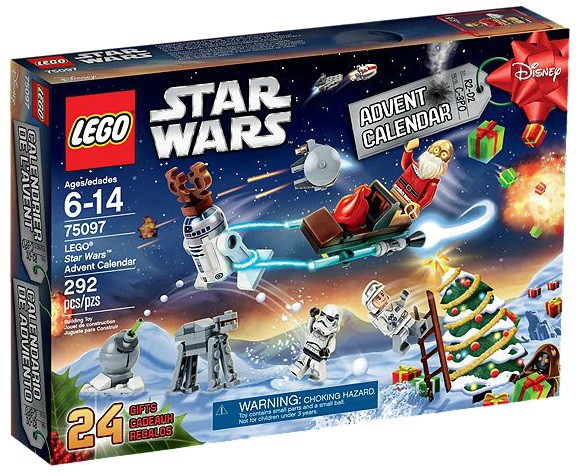
    It seems that the new LEGO Star Wars Advent Calendar for 2015 (#75097) is showing up as sold out on most online retail shops such a LEGO Shop at Home (globally), Target, Walmart and only 3rd party vendors have on Amazon at over $60. We still have almost the entire month of November to go, so there is still time for LEGO to restock the big box stores as well as it's own online shop.  Perhaps we can get some inventory updates from Brickpickers going out to the stores to see what clearance d
    • 0 comments
    • 8,776 views

Configure browser push notifications

Chrome (Android)
  1. Tap the lock icon next to the address bar.
  2. Tap Permissions → Notifications.
  3. Adjust your preference.
Chrome (Desktop)
  1. Click the padlock icon in the address bar.
  2. Select Site settings.
  3. Find Notifications and adjust your preference.